Installation
Agilia - User Guide 18
Installing the printing ribbon and retransfer film
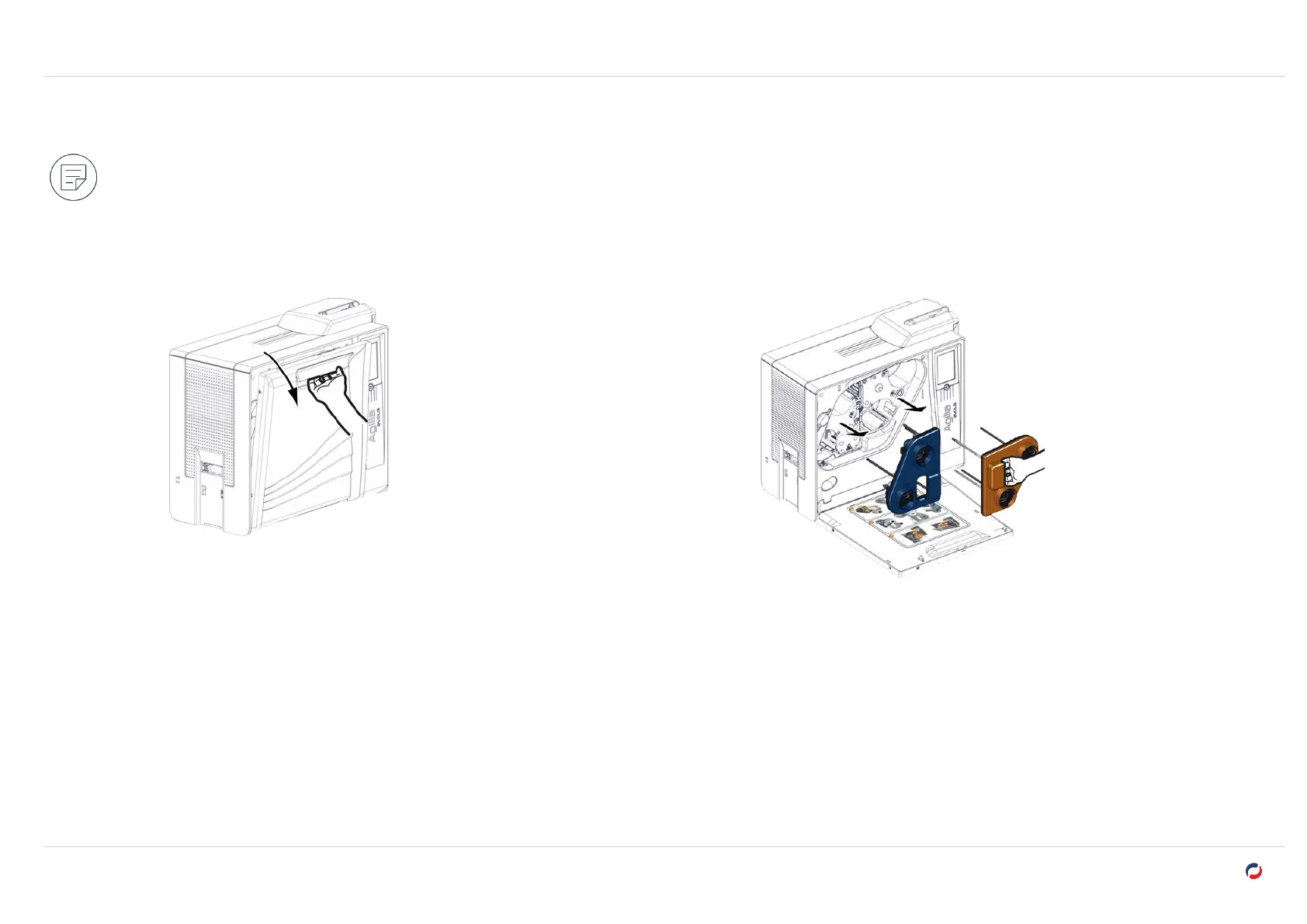
An installation procedure is available inside of the door of the printer.
The cassettes are color coded to facilitate and prevent mistakes during installation. The blue cassette is for the retransfer film and the orange cassette
is for the printing ribbon.
Remove the cassettes
1. Open the door of the printer. 2. Pull the cassettes out of their compartments.
3. Put them on a flat surface with the pins facing up.



 To Next Page