Help
Agilia - User Guide 58
Cards are not loading in the printer
Card feeder
l
The card feeder is empty
l
Load new cards in the card feeder and close the door.
l
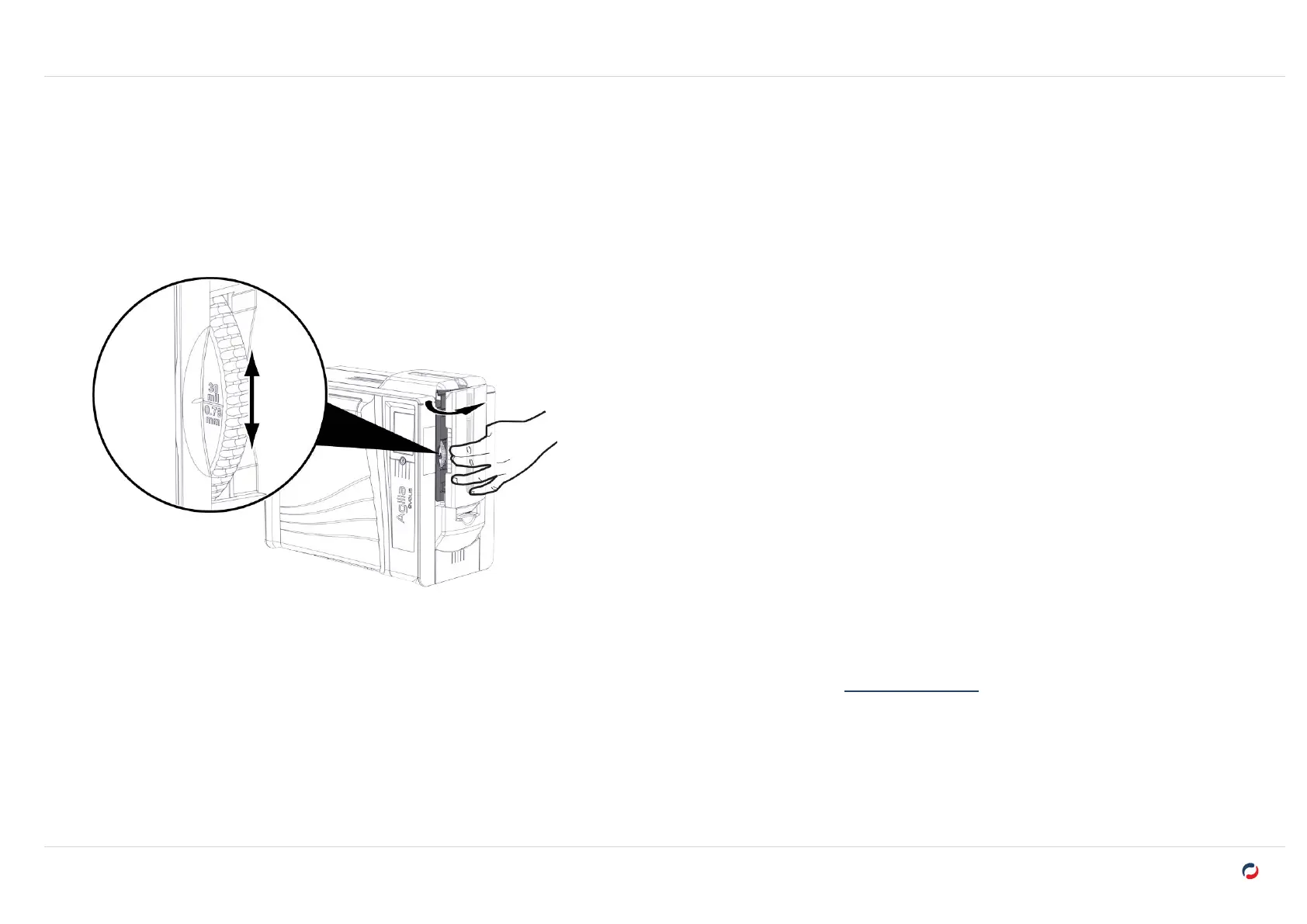
Make sure the card thickness selector is correctly set. The thickness of the cards can be found on the card box.
Cards
l
Make sure that the thickness of the cards used matches the technical specifications available on www.evolis.com > Product page.
l
Make sure that the cards are not stuck together. Shuffle the cards before loading them.
l
When there are 20 cards or less in the card feeder, make sure to print with the card feeder door closed.



 To Next Page