Options
Agilia - User Guide 33
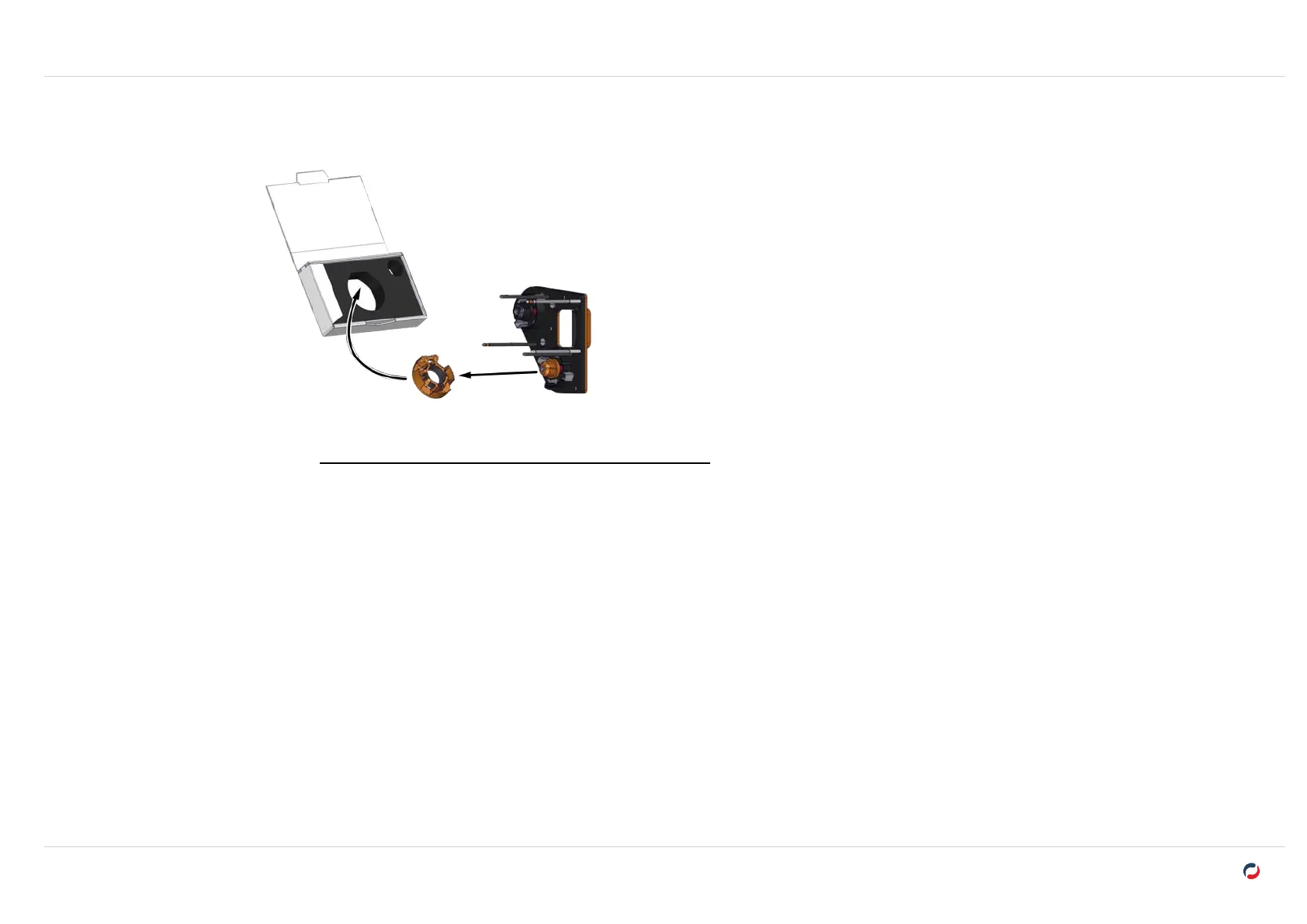
3. Install the activation key on the cassette. Make sure that the label of the key is facing the
arrow.
4. Put the cassette in its compartment.
5. Close the door of the printer. The activation of the
option starts.
6. When the activation process is complete, remove the activation key from the cassette and
put the ribbon back in place.
"Printing ribbon and retransfer film" on page17



 To Next Page