TECHNICAL REFERENCE MANUAL Dyvi 2.0.7.2
Processing Module Installation and Cabling 25
6.2 Processing Module Front Panel
Description PMY2-5D-3216
6.2.1 Front Panel
The Processing Module is delivered with:
• 1× System Disk (SSD1)
• 1× RAM Recorder and Clips permanent storage (HDD2)
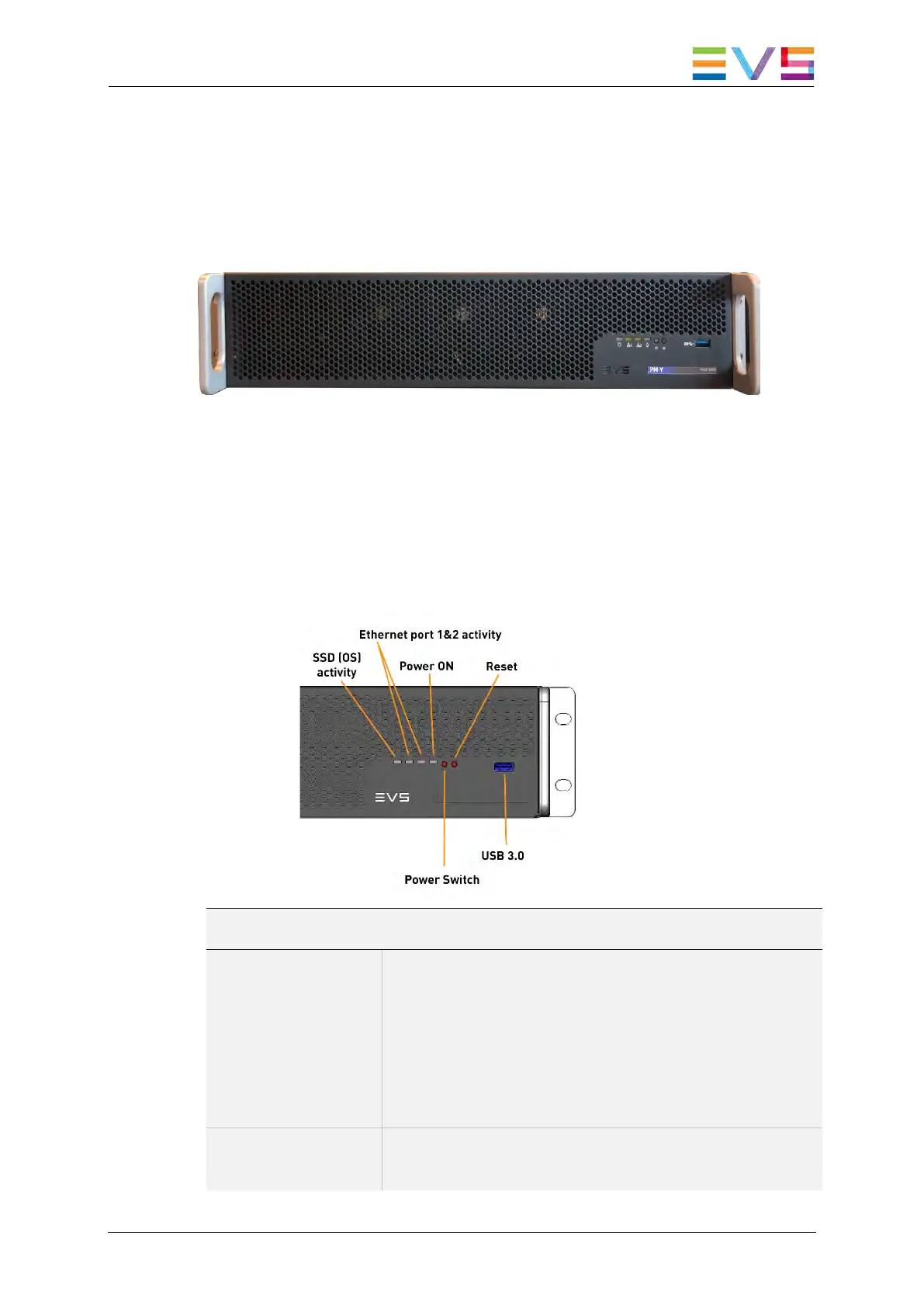
6.2.2 Front Control Panel
Front Control Panel Functions
Power Button This is a toggle button. If power is connected to the
rear power supplies, the Power ON LED is off.
Pushing the power button boots up the system and
lights the button.
Pushing the Power button while the system is
running, the Processing Module starts the power
down process.
Reset Button Pushing this button restarts the system and the
Dyvi application software.



 To Next Page