TECHNICAL REFERENCE MANUAL Dyvi 2.0.7.2
Control Panel Installation, Cabling and Configuration 41
7. Control Panel Installation, Cabling
and Configuration
7.1 Control Panel Rear Description
7.1.1 Power Supply
There are two 12V power supply inputs to the Control Panel. For normal
mode one external power supply is needed. For redundant power mode,
two external power supplies are needed. To ensure reliable operation only
use original power supplies as delivered with Dyvi Control Panel.
7.1.2 Ethernet Switch
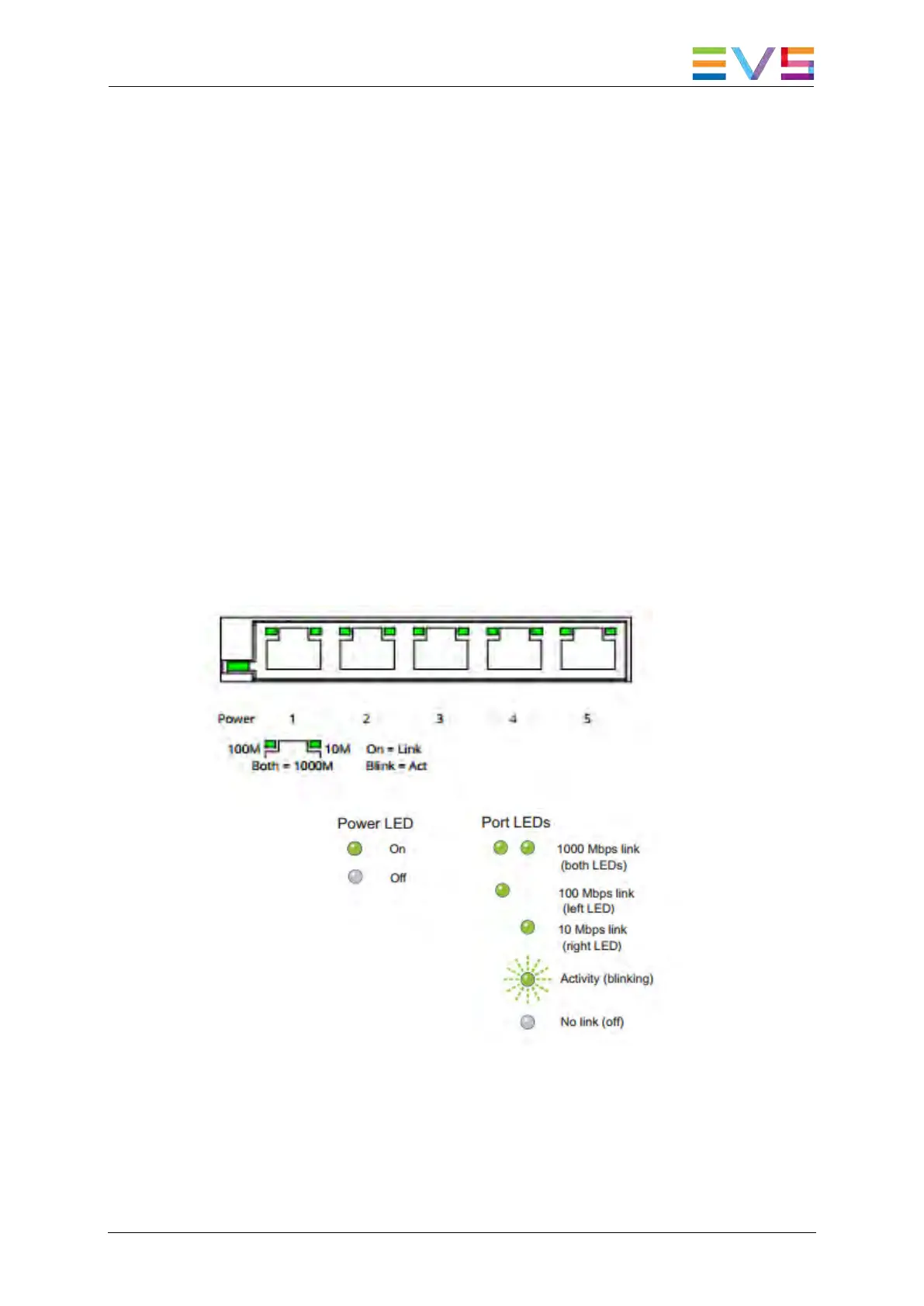
The Control Panel has a built-in 5-Port GigE switch, each capable of
10/100/1000 Mbps via RJ-45 connector. Use Category 5e (Cat 5e) or
better Ethernet cable.



 To Next Page