TECHNICAL REFERENCE MANUAL Dyvi 2.0.7.2
GUI Installation and Configuration 51
8.6 Downloading GUI Log Files
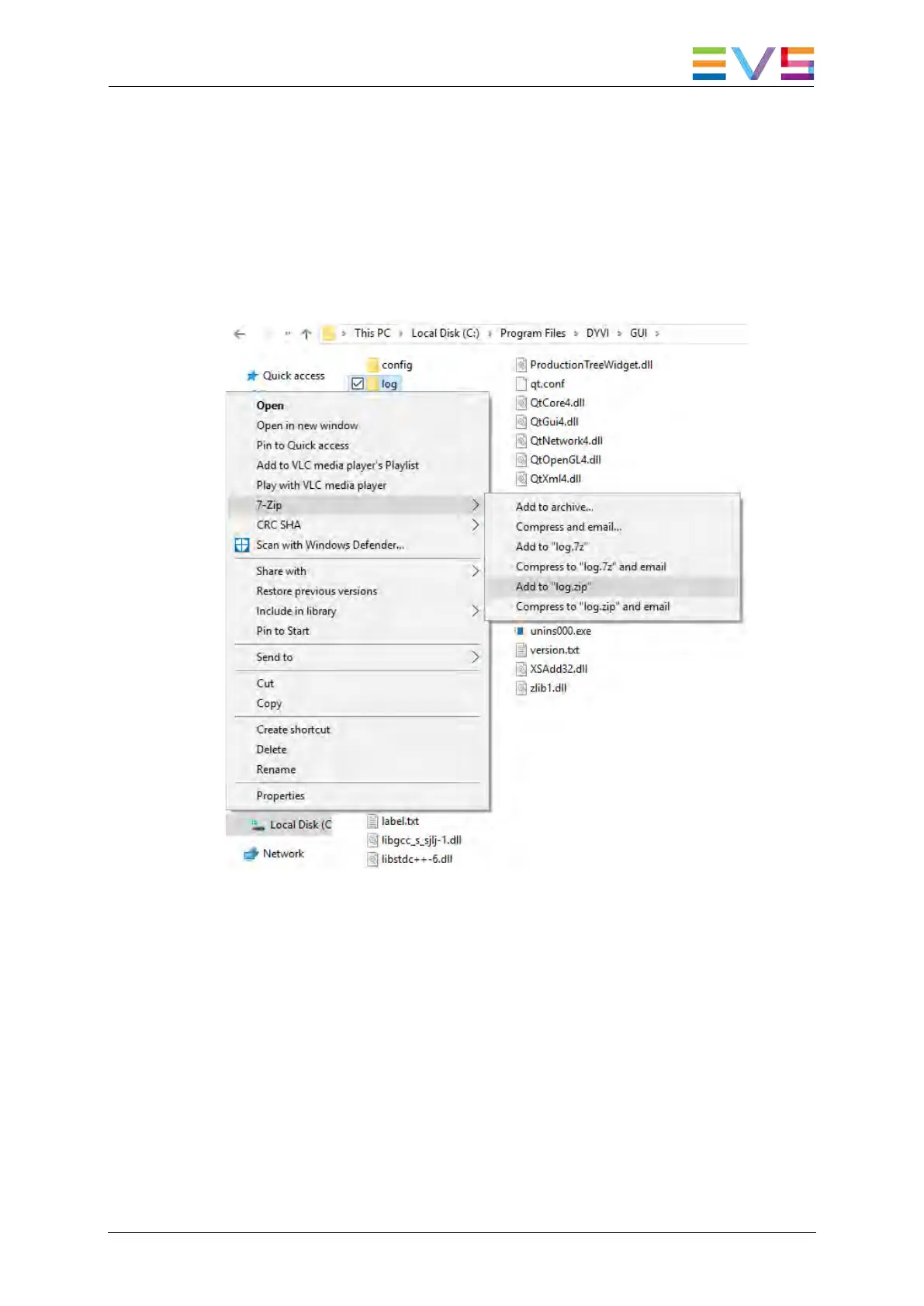
To download the log files generated by the GUI, proceed as follows:
1. Close or minimize the GUI software.
2. Open the Windows Explorer and browse for the following directory:
C:\Program Files\DYVI\GUI.
3. Right-click the log folder and select 7-Zip > Add to “log.zip”.
4. Send the log.zip file to the EVS support service.



 To Next Page