EVS Broadcast Equipment SA
Issue 2.0.7.2 September 2021
74 Supervisor
10.3.2 Network Settings
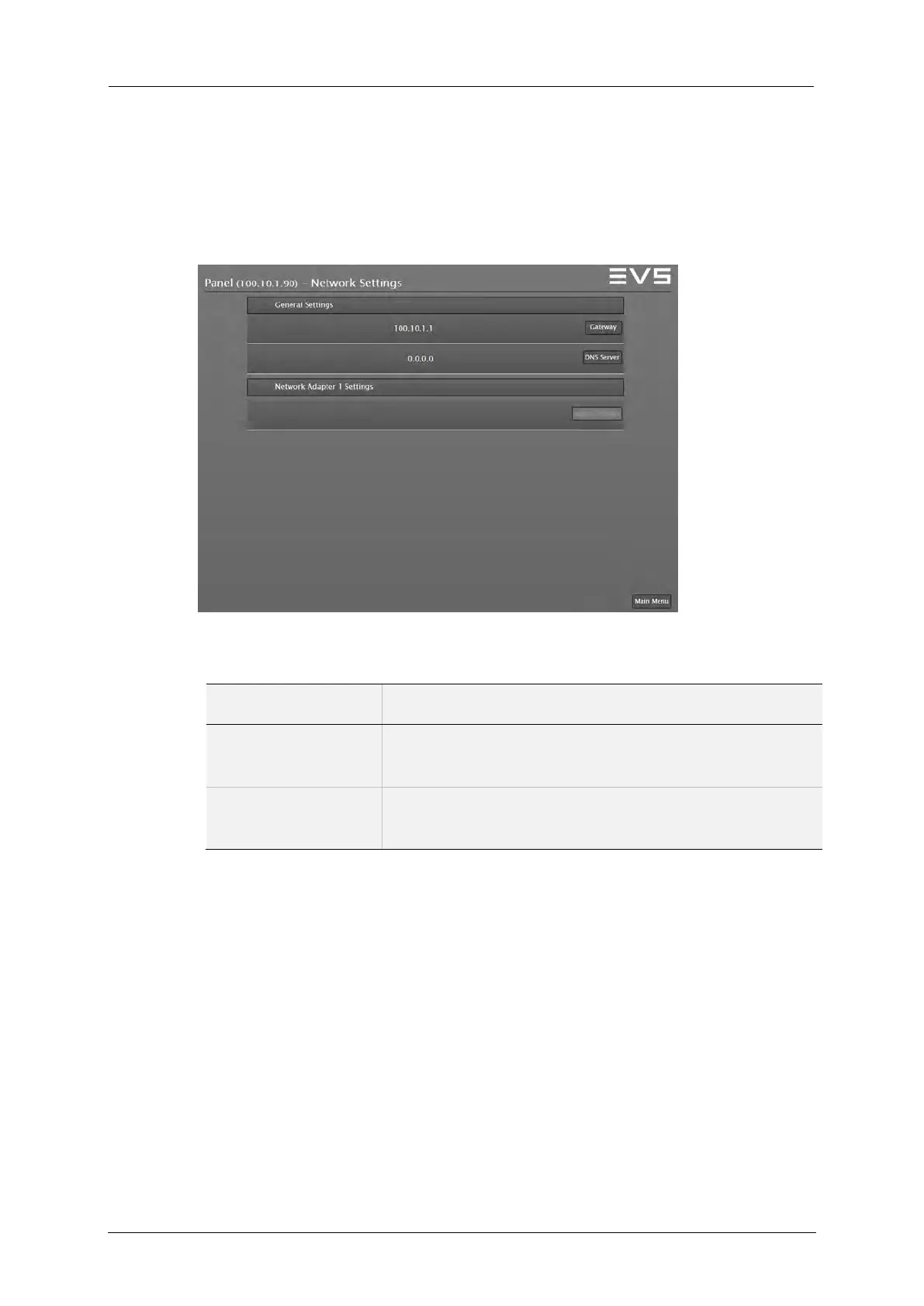
The Networks settings can be modified by selecting the Network Settings
button.
The page content is divided into 2 groups: General Settings, Network
Adapter 1 Settings.
Supervisor: General Network Settings
Field Description
Gateway Use the Gateway button to define a new gateway
address.
DNS Server Use the DNS Server button to set a DNS server
address.



 To Next Page