TECHNICAL REFERENCE MANUAL Dyvi 2.0.7.2
Supervisor 75
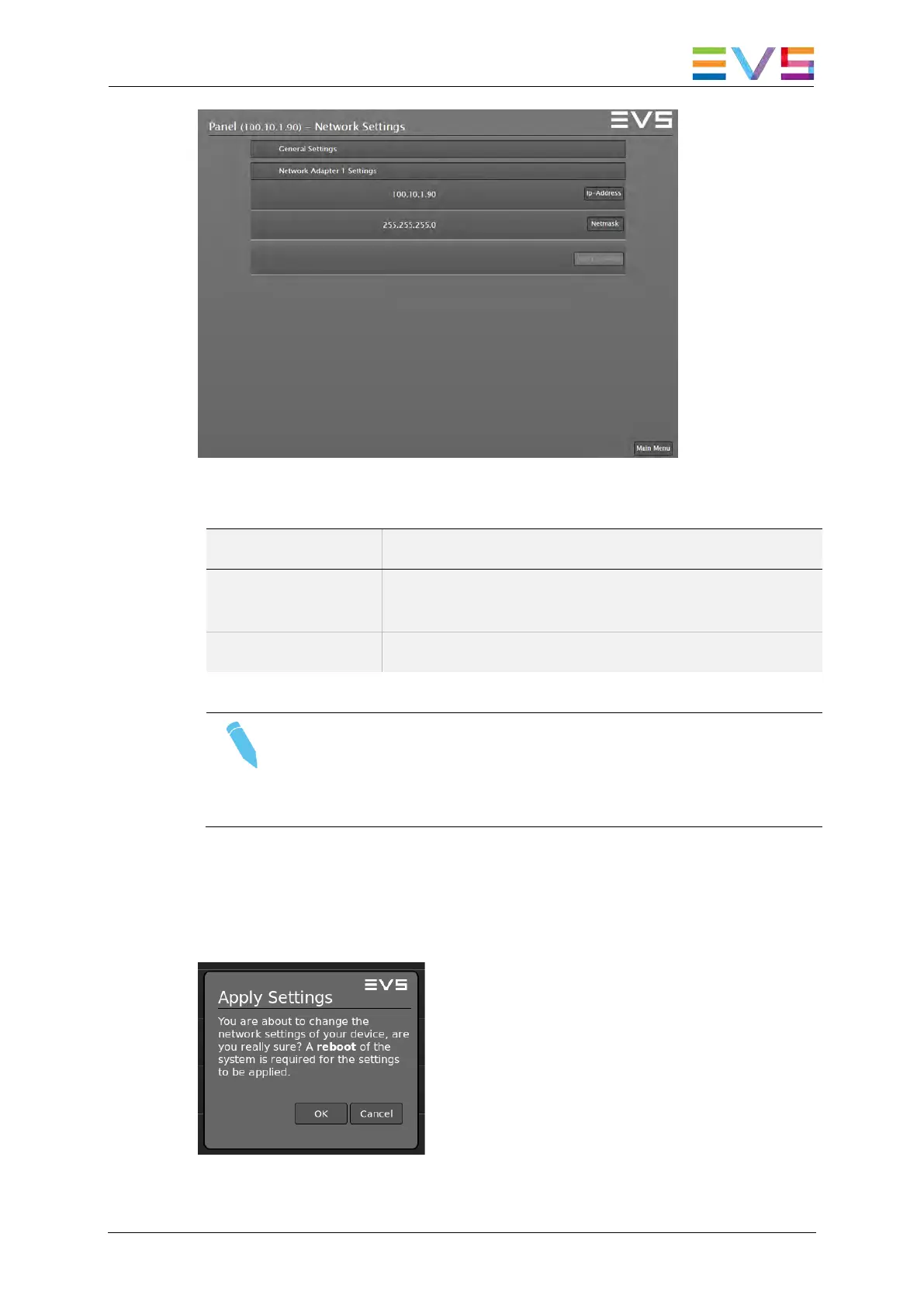
Supervisor: Network Adapter 1 Settings
Field Description
IP-Address Use the IP-Address button to set a unique IP
address.
Netmask Use the Netmask button to modify the netmask.
Note
For common rules on how to set network parameters please
contact your network administrator or contact EVS Technical
Support.
While in the Devices menu, parameters changed are marked with an
asterisk (*) sign and the Apply Settings button is marked with a yellow
alert. To apply the modified settings use the Apply Settings button and
confirm with OK in the subsequent dialog box.
Network Settings: Apply Settings Dialog



 To Next Page