EVS Broadcast Equipment SA
Issue 2.0.7.2 September 2021
84 License Management
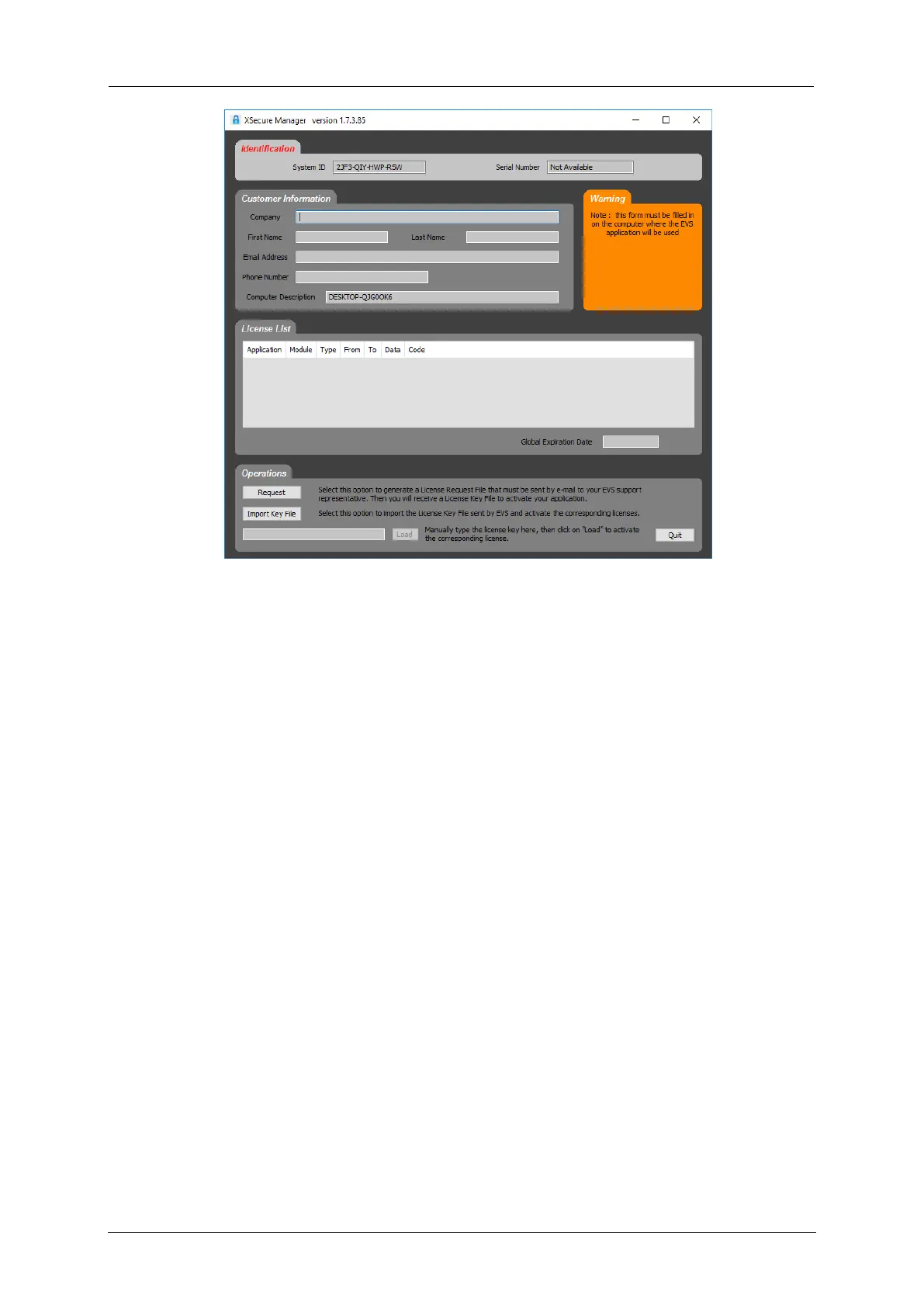
3. Click Request. Save the request XML file.
11.3.2 Requesting a Dyvi Processing Module
License
To request a license for a Processing Module, proceed as follows:
1. Open a web browser, e.g. Internet Explorer.
2. Connect to the Dyvi Processing Module using the device network
address, e.g. 100.10.1.91.
3. The browser will open the Devices Overview window of the Supervisor.
4. Enter the following password to log into the Supervisor: dyvilive.



 To Next Page