EVS Broadcast Equipment SA
Issue 2.0.7.2 September 2021
82 Supervisor
10.3.7 Downloading Log Files
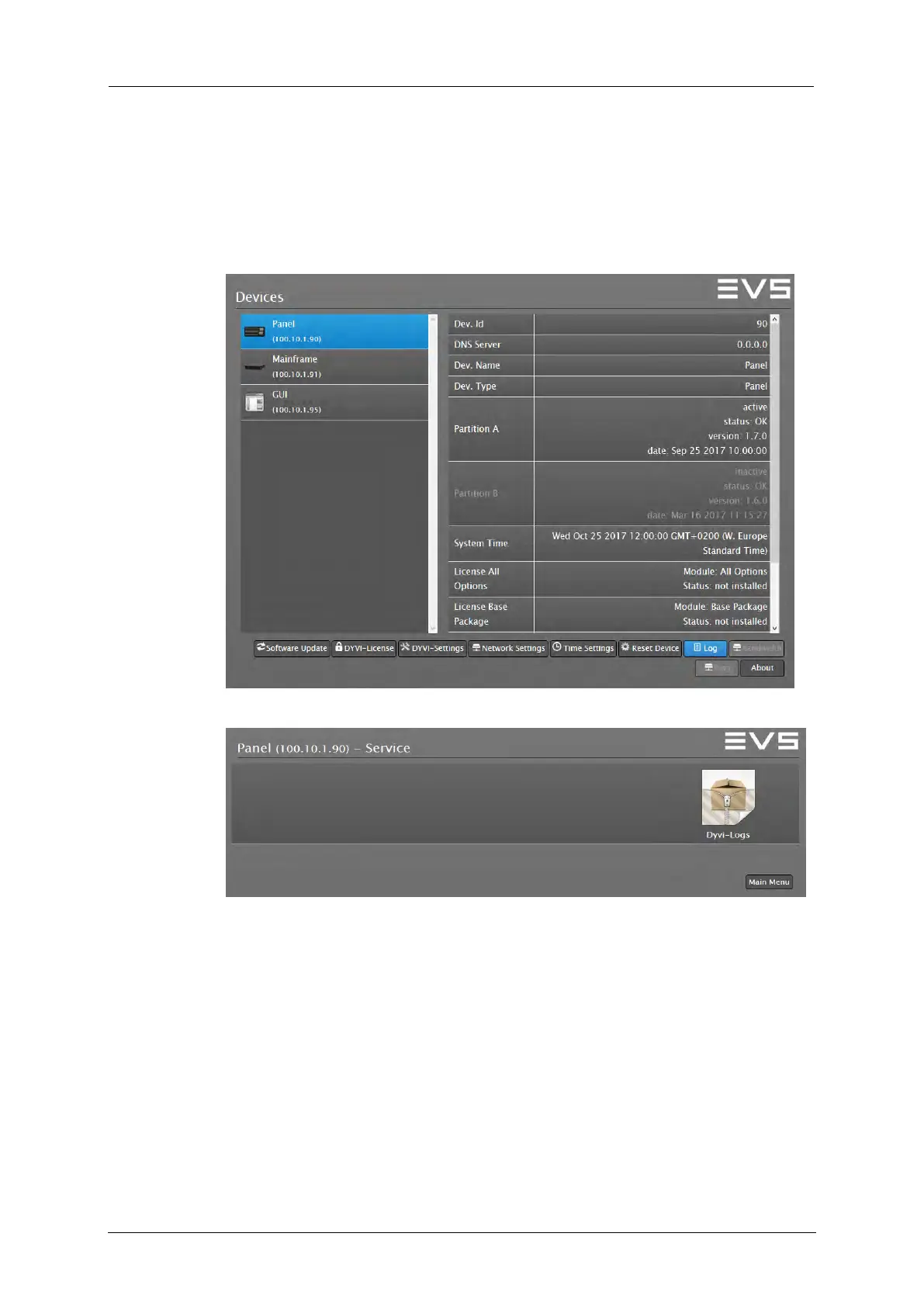
To download the log files of the appropriate device, proceed as follows:
1. In the Devices Overview window, select the appropriate device.
2. Press and hold down the SHIFT key and click the Log button to enter
the Log menu.
3. Click on the Dyvi-Logs symbol in order to download the zipped log file.
4. Open your file browser and locate the downloaded file in the Download
folder.
5. Send the dyviLogs.tar.gz file to the EVS support service.



 To Next Page