EVS Broadcast Equipment SA
Issue 2.0.7.2 September 2021
48 GUI Installation and Configuration
8.3 Network Configuration
8.3.1 Network Settings
Network is configured when a Dyvi system is delivered.
Network setting is required for instance when a customer wants to change
the IP address.
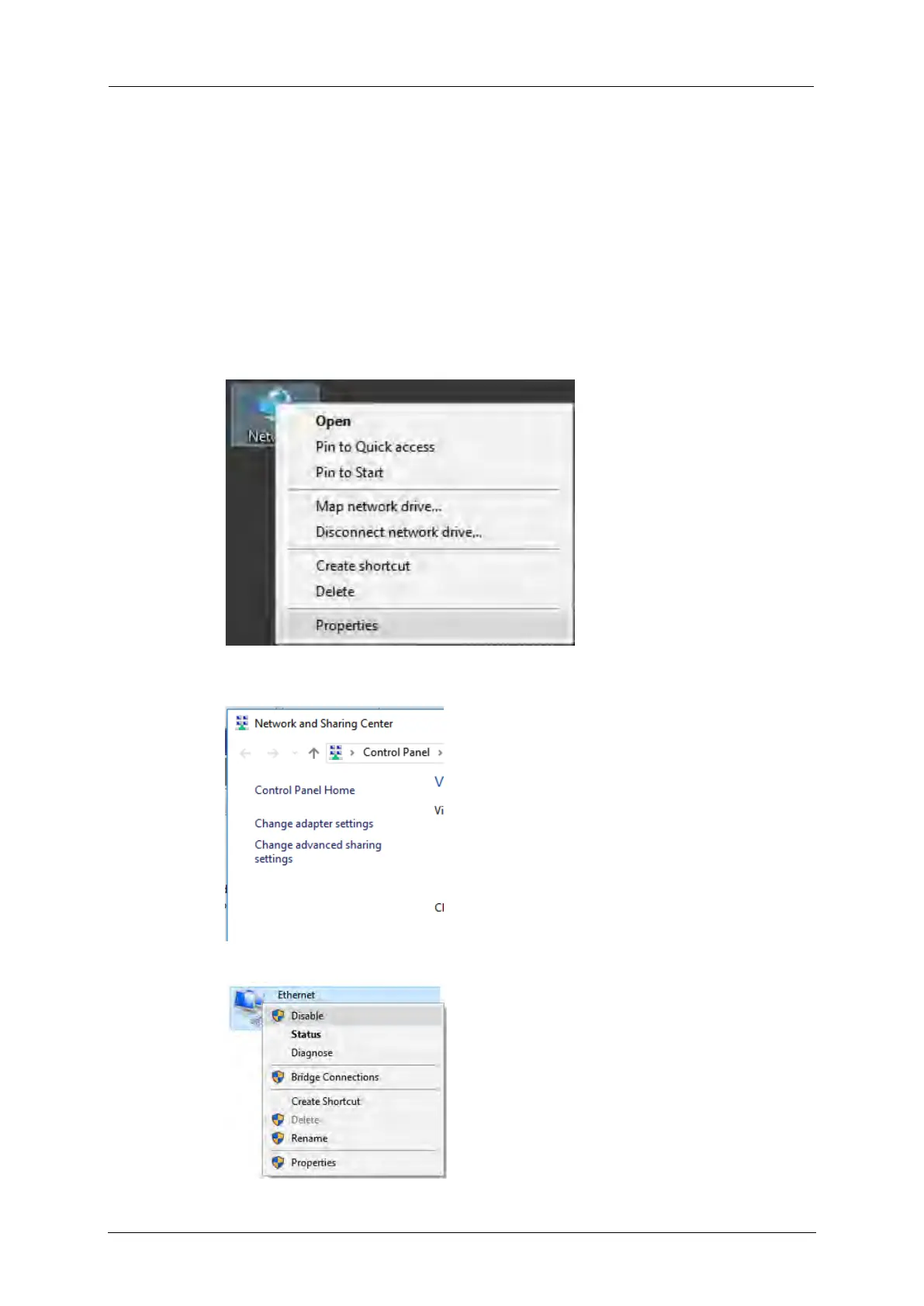
To access the network settings, proceed as follows:
1. Right-click the Network icon on the desktop and choose Properties.
2. Click the option Change Adapter Settings in the top left corner of the
dialog box.
3. Right-click the Ethernet adaptor and choose Properties.



 To Next Page