EVS Broadcast Equipment SA
Issue 2.0.7.2 September 2021
78 Supervisor
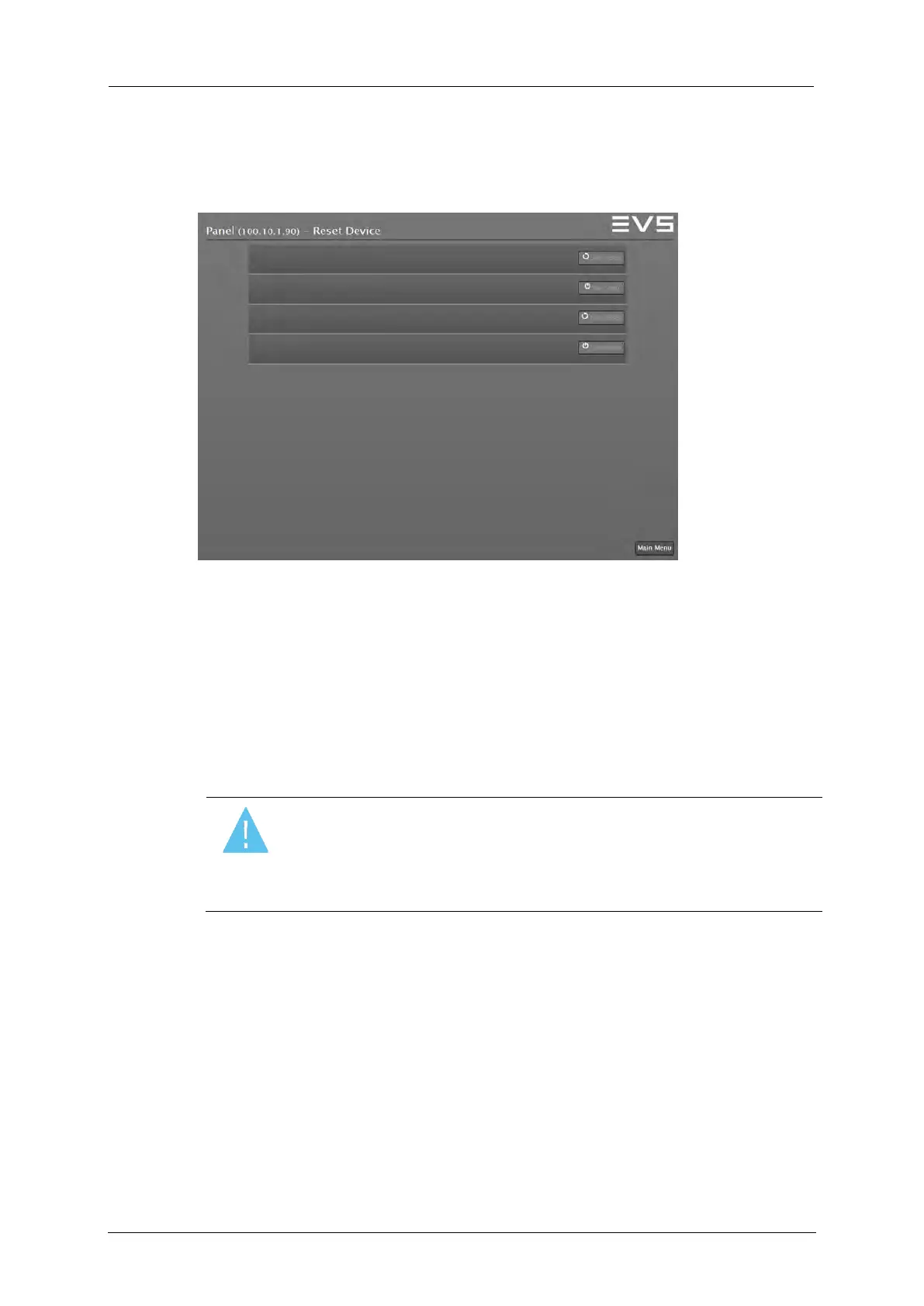
10.3.4 Reset Device
To enter the Reset Device window select the Reset Device button in the
Devices menu.
Supervisor: Reset Device
To reset a device, proceed as follows:
1. Ensure the correct device you want to reset is labeled at the headline
of the menu.
2. Press and hold the SHIFT key to enable the Reset and Shutdown
controls.
3. Select the Reset or Shutdown control you want to execute.
Warning
Selecting one of the Reset or Shutdown buttons will have
immediate effect on the Production. Avoid pushing these
buttons while On Air, except in operational emergencies.



 To Next Page