TECHNICAL REFERENCE MANUAL Dyvi 2.0.7.2
Supervisor 77
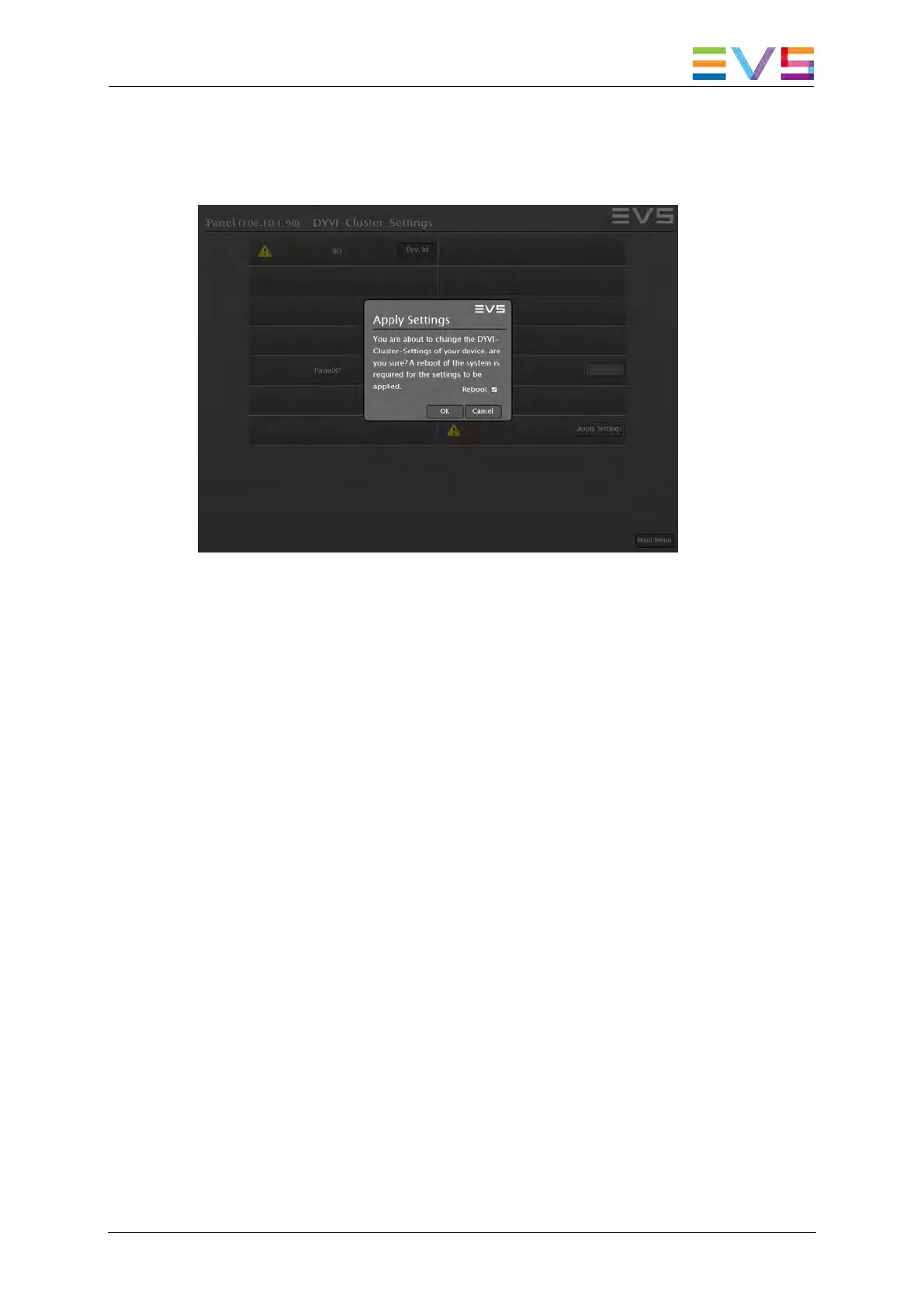
While in the Cluster Settings menu, parameters changed are marked with
an asterisk (*) sign and the Apply Settings button is marked with a yellow
alert. To apply the modified settings use the Apply Settings button and
confirm with OK in the subsequent dialog box.
Apply Settings: Confirmation Dialog
If you want to revert all the modifications, use the Cancel Button and
subsequently use the Main Menu button.



 To Next Page