EVS Broadcast Equipment SA
Issue 2.0.7.2 September 2021
72 Supervisor
10.2.8 Bandwidth
This window should only be used when instructed by the EVS support
team.
10.2.9 Ping
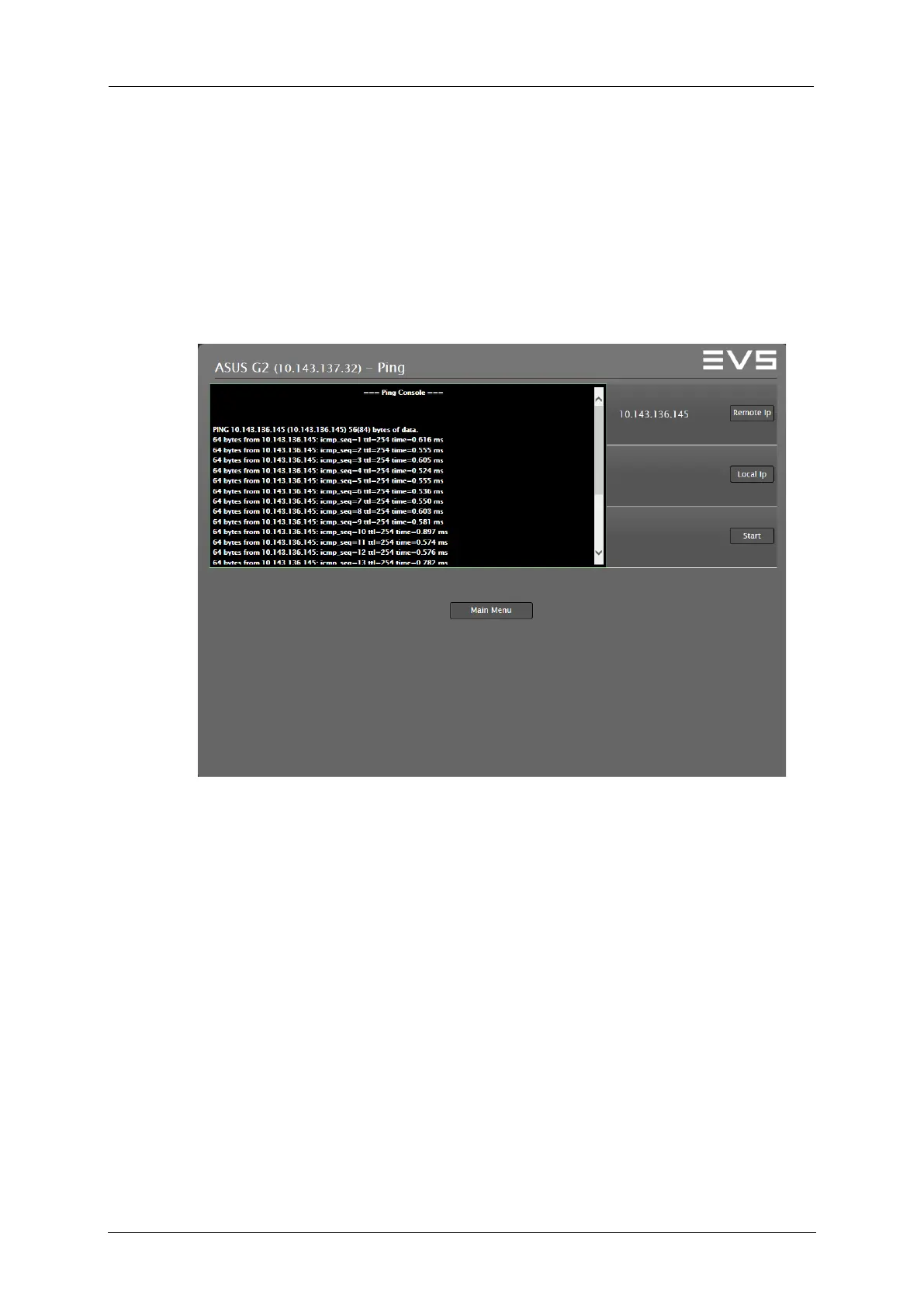
To enter the Ping window, press and hold down the Shift key and click the
Ping button.
The remote IP address can be the IP address of another Processing
Module or of an external device. Click the Remote Ip button to check if the
Processing Module hosting the Supervisor (in the example 10.143.137.32)
can reach the other device.
When the Local Ip field is empty, your local, default IP address is used.
If you have more network adapters active, you can specify the desired
one.



 To Next Page