EVS Broadcast Equipment SA
Issue 2.0.7.2 September 2021
50 GUI Installation and Configuration
8.3.2 Dyvi Cluster Settings
Beside the Hostname which has to be set in the Network Settings, only the
Device-ID is used in the GUI. The unique Device-ID is generated
automatically out of the last byte of the Device’s IP address plus adding an
offset of 1000.
In the above example, the IP address low byte was 92, which results in a
Device-ID of 1092 (decimal).
8.4 Reset Device
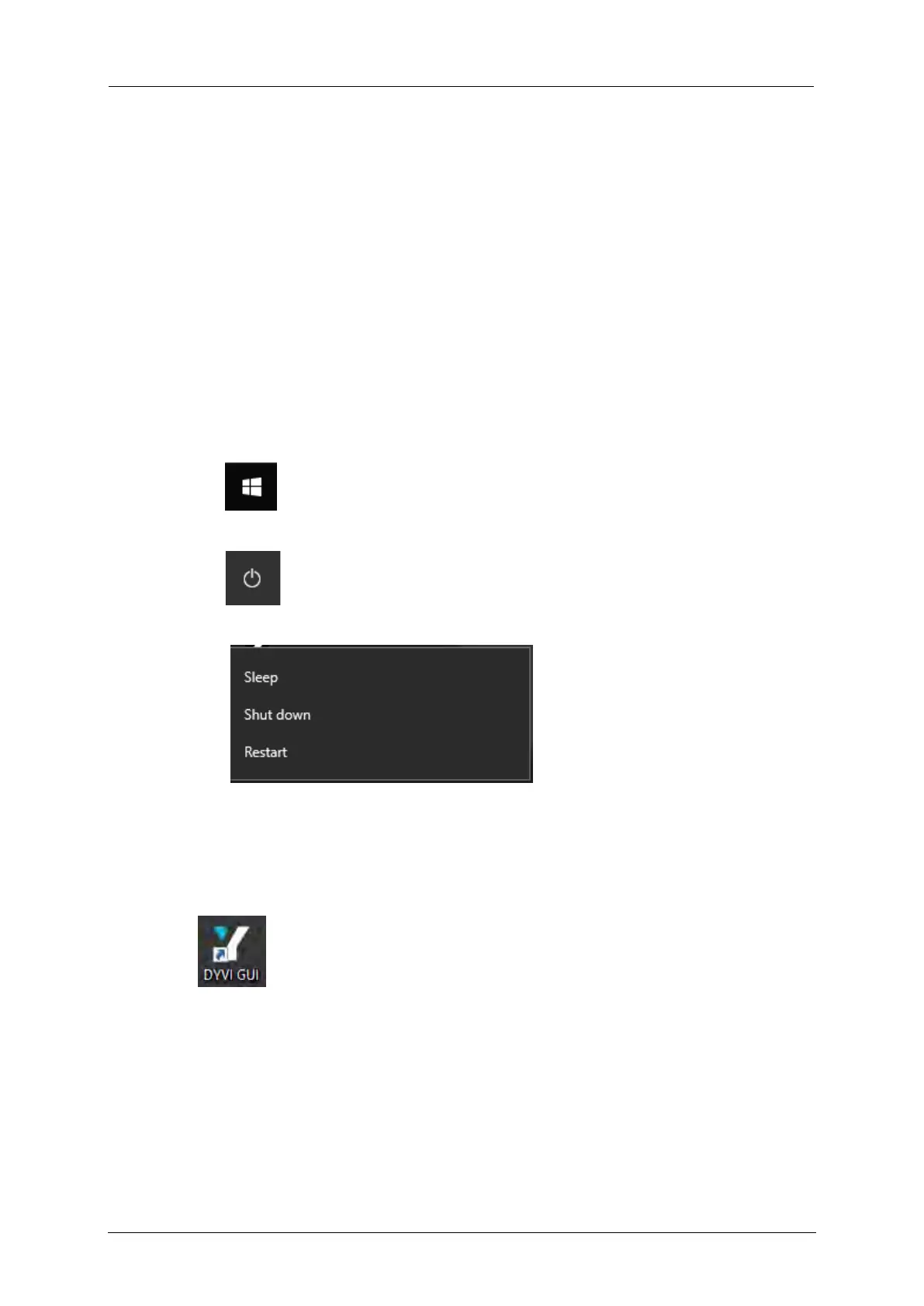
To reset or shut down the GUI, proceed as follows:
1. Click the Windows Start button.
2. Select the Power button.
3. Select the Restart or Shutdown function.
8.5 Launch the Dyvi GUI
To launch the Dyvi GUI, double click on the Dyvi GUI desktop icon.



 To Next Page