EVS Broadcast Equipment SA
Issue 2.0.7.2 September 2021
76 Supervisor
10.3.3 Dyvi Cluster Settings
Overview
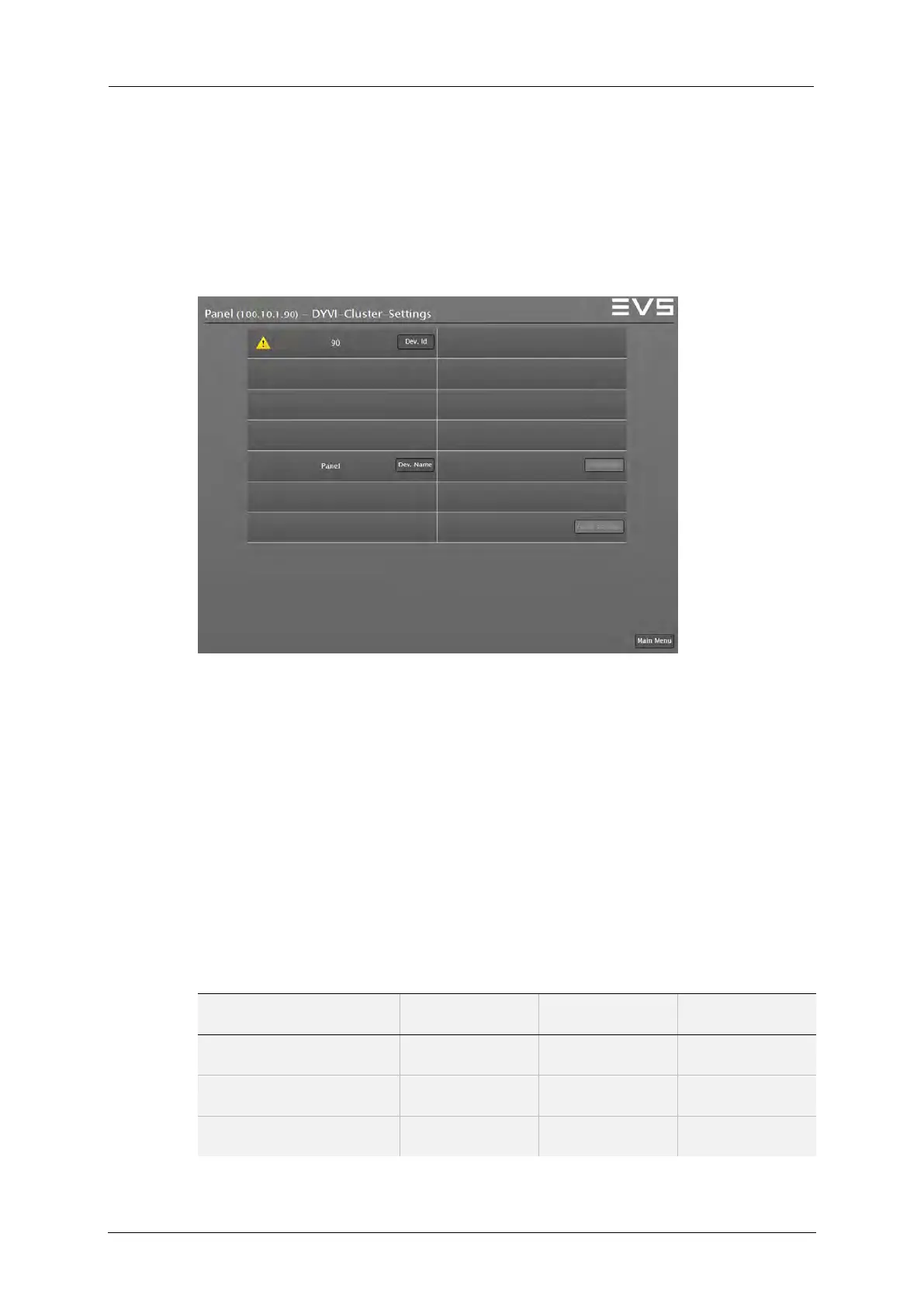
The Dyvi Cluster Settings in the Control Panel are used to configure the
Device-ID and the Device-Name. The settings can be modified by
selecting the DYVI Settings button.
Supervisor: Dyvi Cluster Settings
Device ID
The Device ID enumerates all Control Panels (of all clusters) at a Dyvi
network, starting, for example, with Device-ID ‘500’.
Device-Name
For the end users’ convenience, the Device-Name should be a unique
logical name.
The following table provides an example for with 3 Control Panels at one
Dyvi-network:
CP Device Name Cluster ID Unit Count Device ID
CtrlPanel-A n.a. n.a. 500
CtrlPanel-B n.a. n.a. 501
CtrlPanel-C n.a. n.a. 502



 To Next Page