EVS Broadcast Equipment SA
Issue 2.0.7.2 September 2021
80 Supervisor
10.3.6 Software Update
The Dyvi software update and swap mechanisms can be accessed by
selecting the Software Update button.
Supervisor: Software Update
On the Control Panel system disk there are two disk partitions (Partition 1,
Partition 2). Each of the partitions holds a complete and independent set of
Dyvi Control Panel software. The partitions can be used like to have a
backup-version software or to have different version for test and evaluation
purposes.
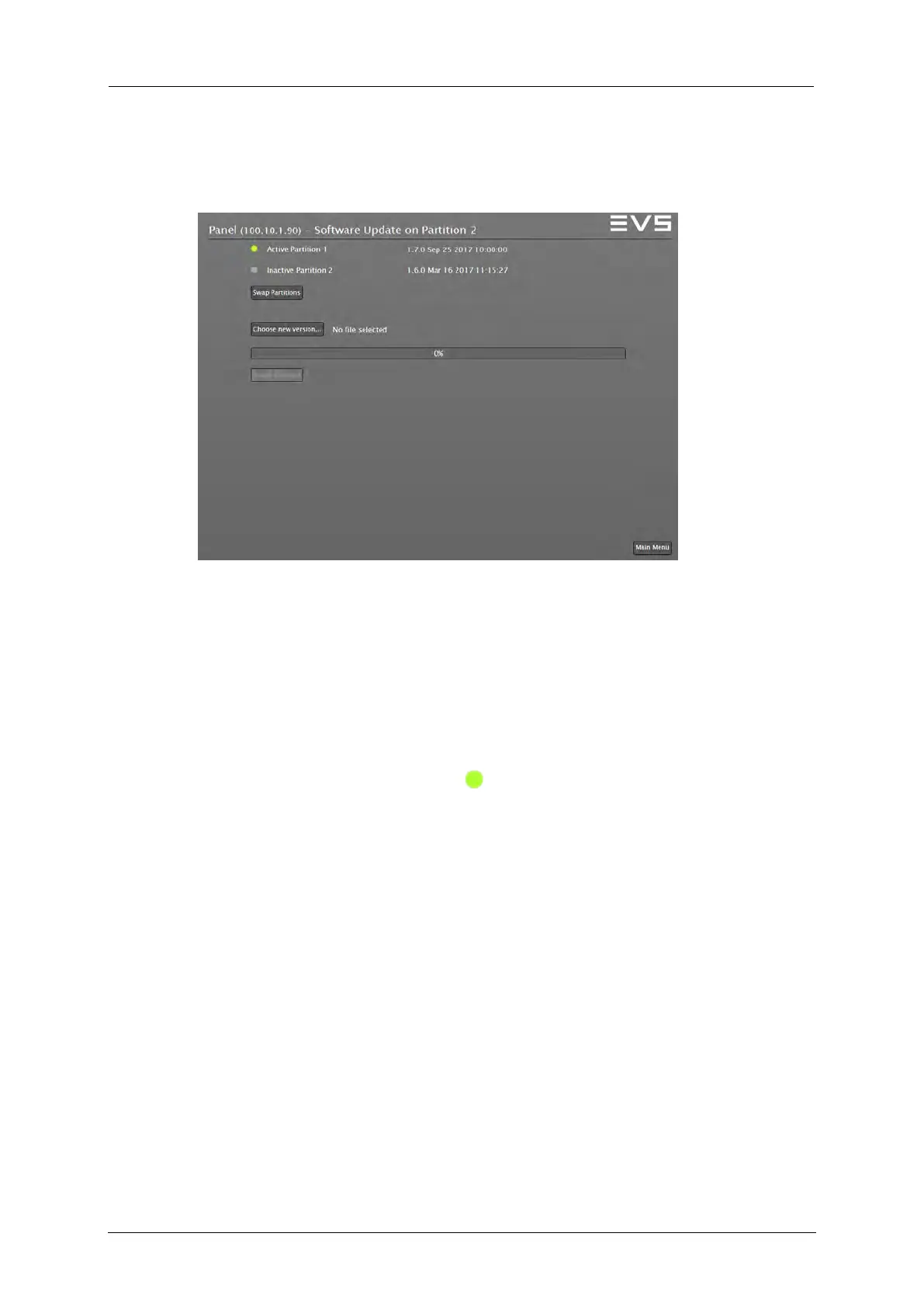
The Software Update menu provides the following information:
• It shows the software version installed on the two partitions. The current
active partition is label with a sign (In the above example Partition 1
is active).
• It allows to swap the active partition (In the above example Partition 2
would become active after the swap).
• It gives installation access to the inactive partition.
In a first step you have to choose the new version file that should be
installed. For the Control Panel the software application file name has
to match the scheme ‘panel_<versionIdent>.tar.gz’.
Use the Install Software control and agree to the subsequent dialog to
start the software installation process. If the installation process is
completed, the next Control Panel Reset swaps automatically to the
newly installed version.



 To Next Page