TECHNICAL REFERENCE MANUAL Dyvi 2.0.7.2
Supervisor 69
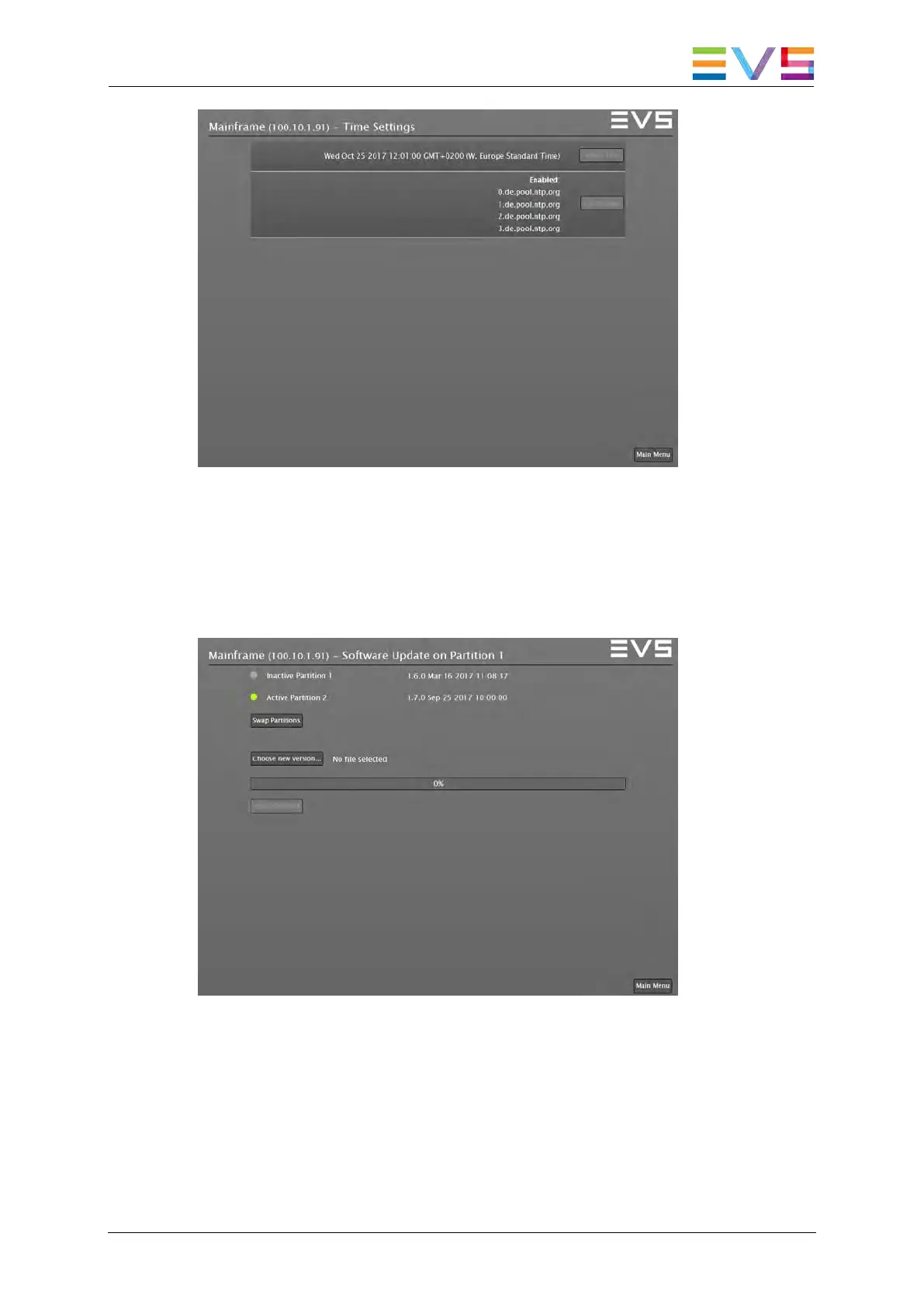
Supervisor: NTP function ON window
10.2.6 Software Update
The Dyvi software update and swap mechanisms can be accessed by
selecting the Software Update button in the Devices menu.
Supervisor: Software Update
On the Processing Module there are two disk partitions (Partition 1,
Partition 2). Each of the partitions holds a complete and independent set of
Dyvi Processing Module software. The partitions can be used to hold a
backup-version software or to have different version for test and evaluation
purposes.



 To Next Page