EVS Broadcast Equipment SA
Issue 2.0.7.2 September 2021
44 GUI Installation and Configuration
8. GUI Installation and Configuration
Note
The GUI does not have a supervisor implementation yet. This
subsection describes the alternative ways to access the related
settings.
8.1 GUI PC Minimum Requirements
Before installing the Dyvi licensed software, you should check that your
PC meets the following minimum requirements:
CPU: 15-core
RAM: 16GB
Storage: Class 35 SSD - 256GB
OS: Windows 10 64bit.
8.2 Installation
The GUI application comes as a compressed file.
1. Use the Windows Explorer to copy the software file from the
distribution media to the GUI.
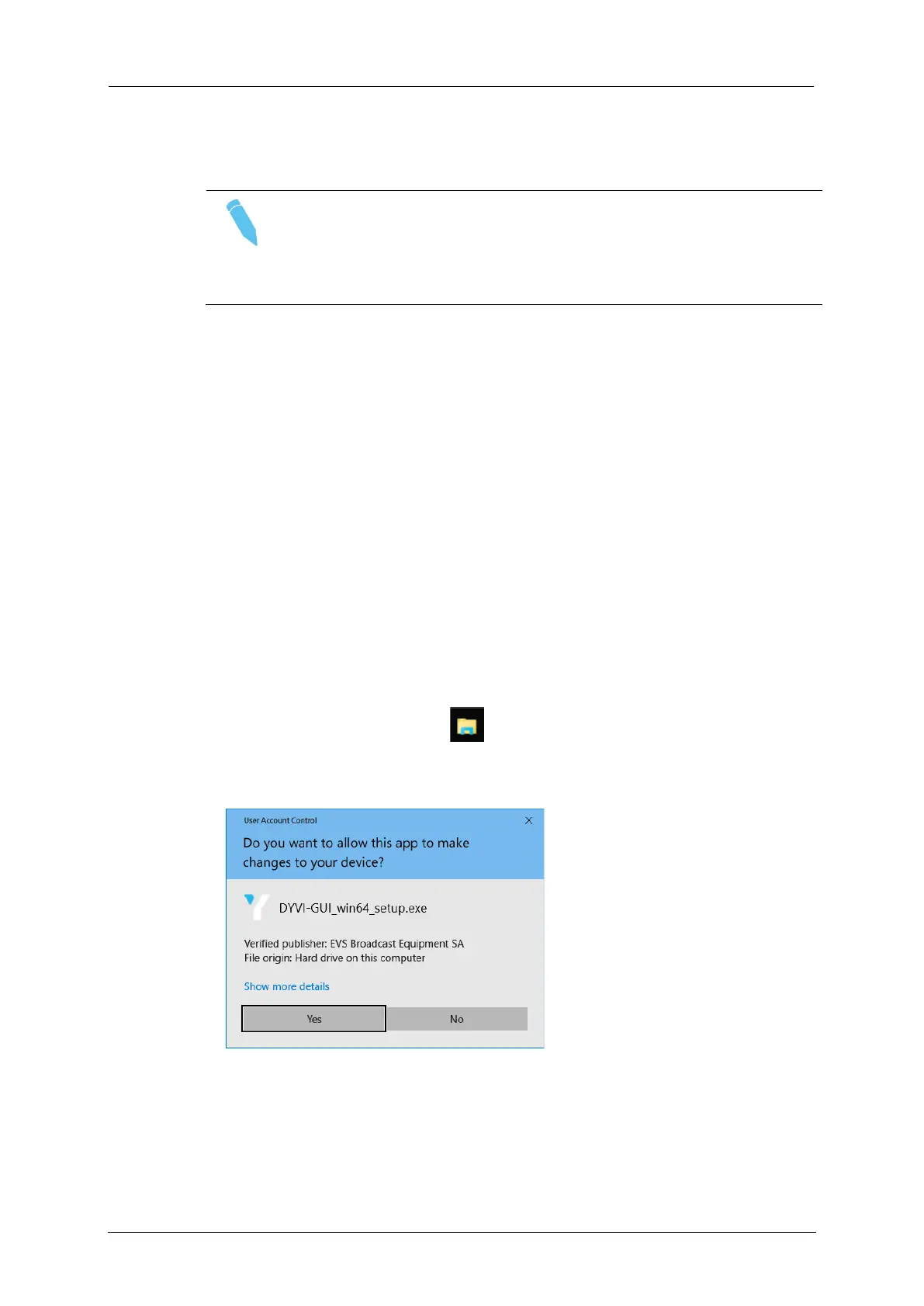
2. Run the setup file DYVI-GUI_win64_setup.exe.
3. Confirm with Yes.
4. Accept the agreement and click Next.



 To Next Page