TECHNICAL REFERENCE MANUAL Dyvi 2.0.7.2
Supervisor 79
10.3.5 Time Settings, System Time
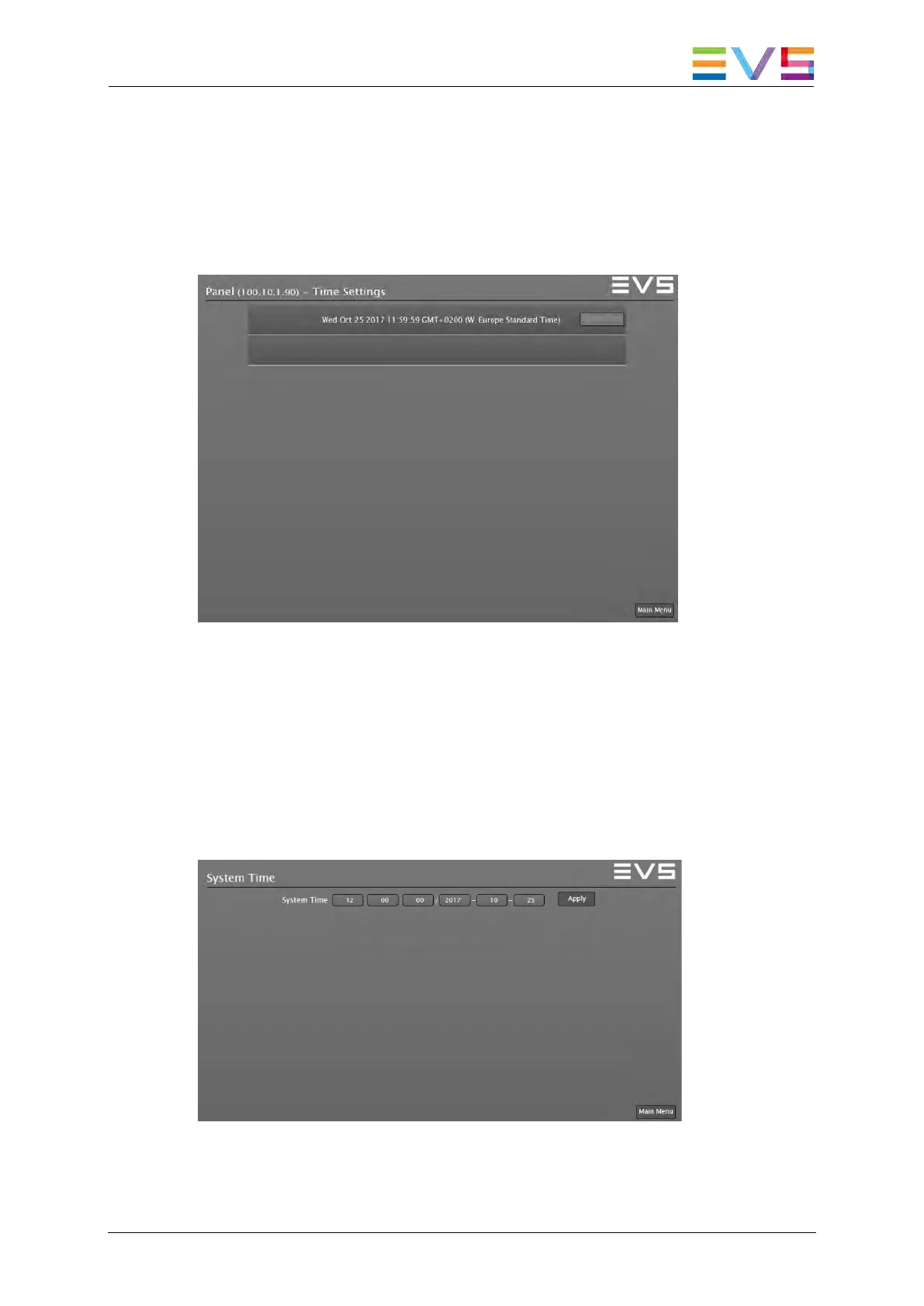
Time Settings
To enter the Time Settings window select the Time Settings button in the
Devices menu.
Supervisor: Time Settings Dialog
System Time
To enter the System Time window select the System Time button in the
Time Settings menu.
Press and hold the SHIFT key to enable the System Time button. Use the
Apply button to take over the new time and date values of the Dyvi device
identified in the Headline of the Time Settings menu.
Supervisor: Set System Time Dialog



 To Next Page