EVS Broadcast Equipment SA
Issue 2.0.7.2 September 2021
68 Supervisor
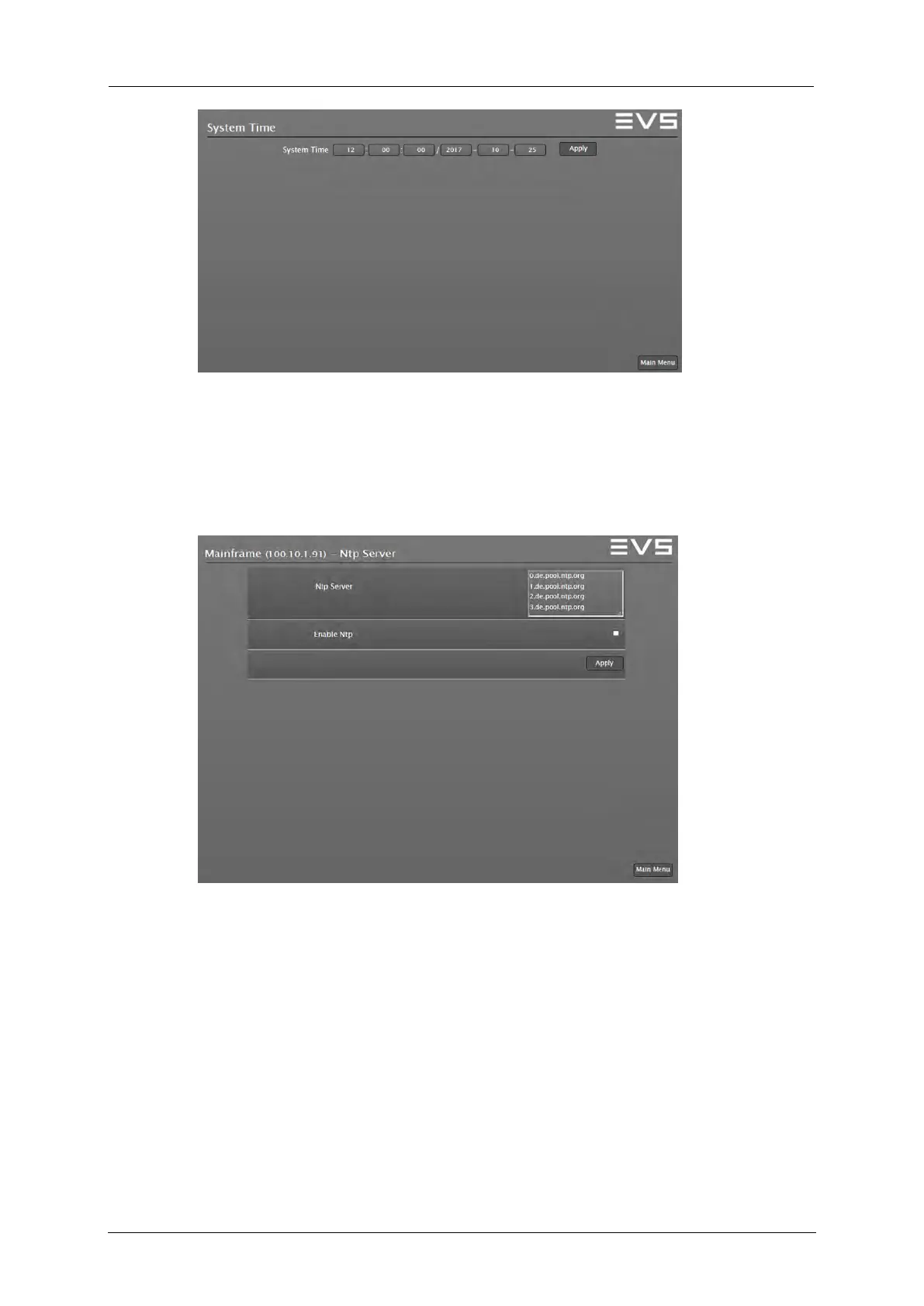
Supervisor: Set System Time window
NTP Settings
To enter the NTP Settings window select the NTP Settings button in the
Time Settings menu.
Supervisor: NTP Server window
Press and hold the SHIFT key to enable the NTP Setting button. Enter the
NTP server address and enable NTP function to confirm the NTP mode for
the device.



 To Next Page