TECHNICAL REFERENCE MANUAL Dyvi 2.0.7.2
Supervisor 57
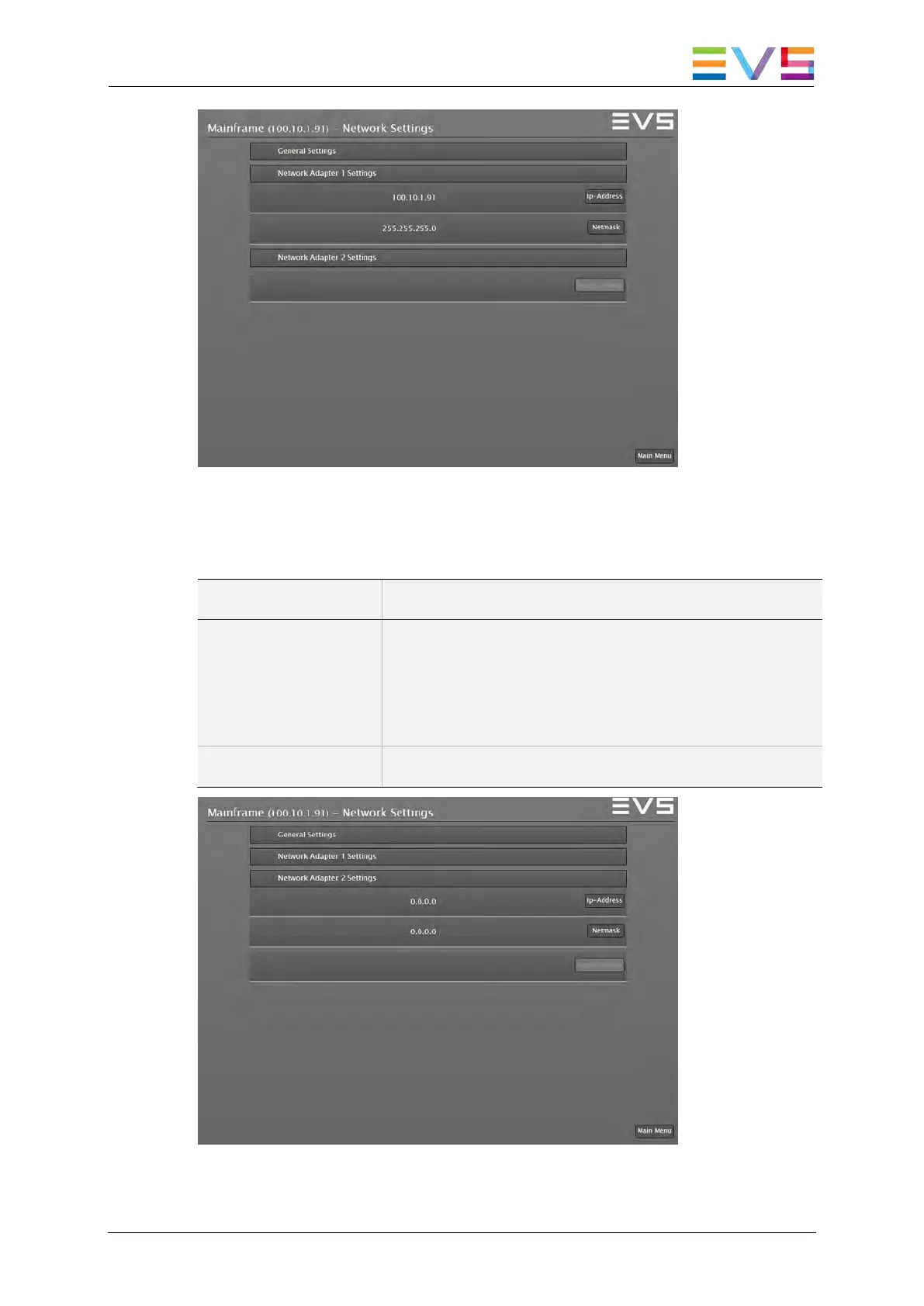
Supervisor: Network Settings. Network Adapter 1 Settings
Network Adapter 1 Settings
Field Description
IP-Address Use the IP-Address button to set a unique IP
address from the same range with Dyvi Control
Panel and GUI. This port is used to connect Dyvi
Control Panel, GUI and external IP controlled
devices.
Netmask Use the Netmask button to modify the netmask.
Supervisor: Network Settings. Network Adapter 2 Settings



 To Next Page