TECHNICAL REFERENCE MANUAL Dyvi 2.0.7.2
License Management 87
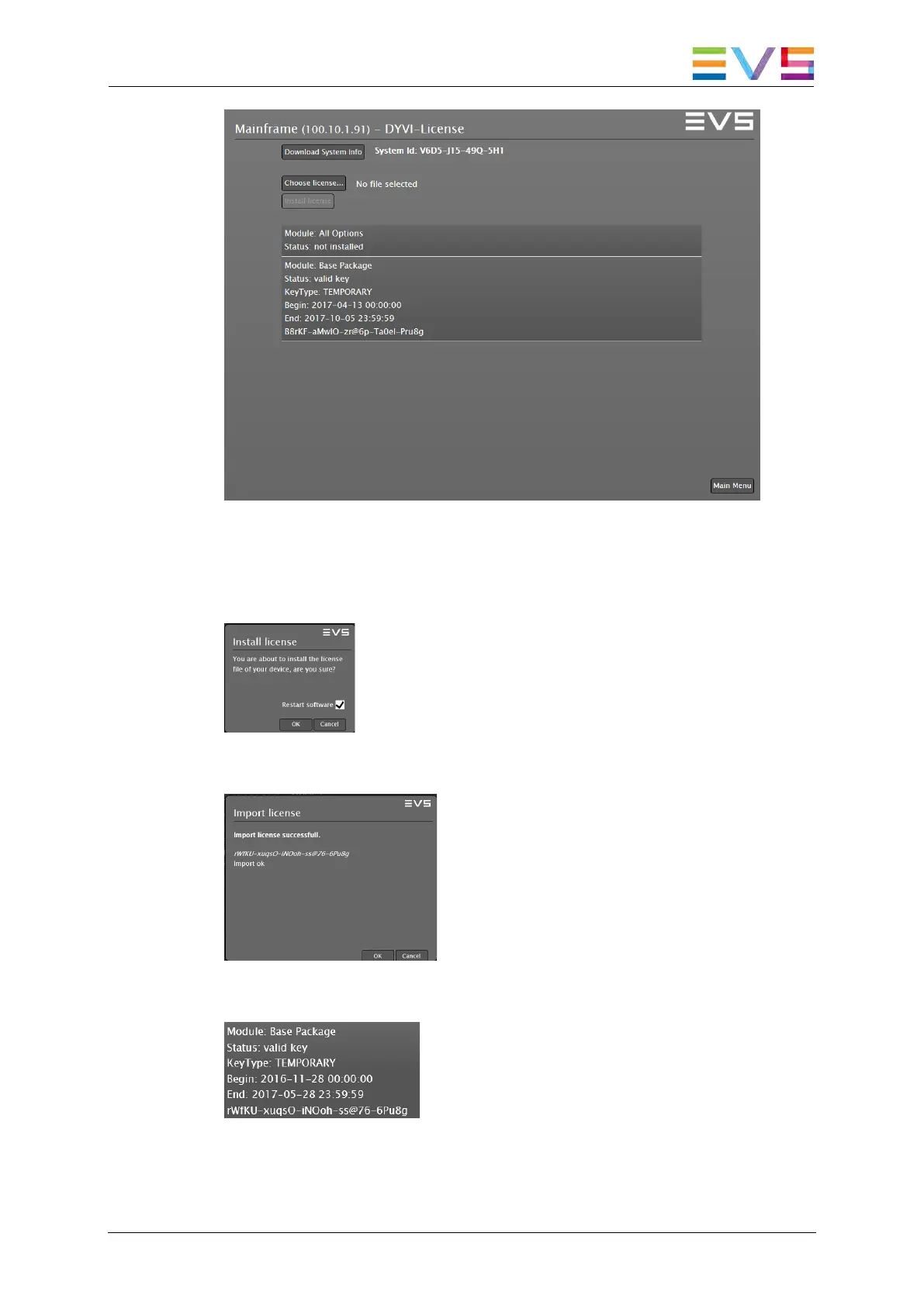
3. Click Choose license… and select the obtained XML file.
4. Click Install license to install the license file.
5. Confirm with OK to install the license. The system will restart the
software afterwards.
A message notifies you that the license was successfully installed.
Confirm with OK.
When refreshing the Supervisor website, you will see the installed
license within the DYVI License menu.
6. Repeat those steps for all processing modules.



 To Next Page