Setting Up Your Unit
92 FTB-2/FTB-2 Pro and FTB-4 Pro
Recalibrating the Touchscreen
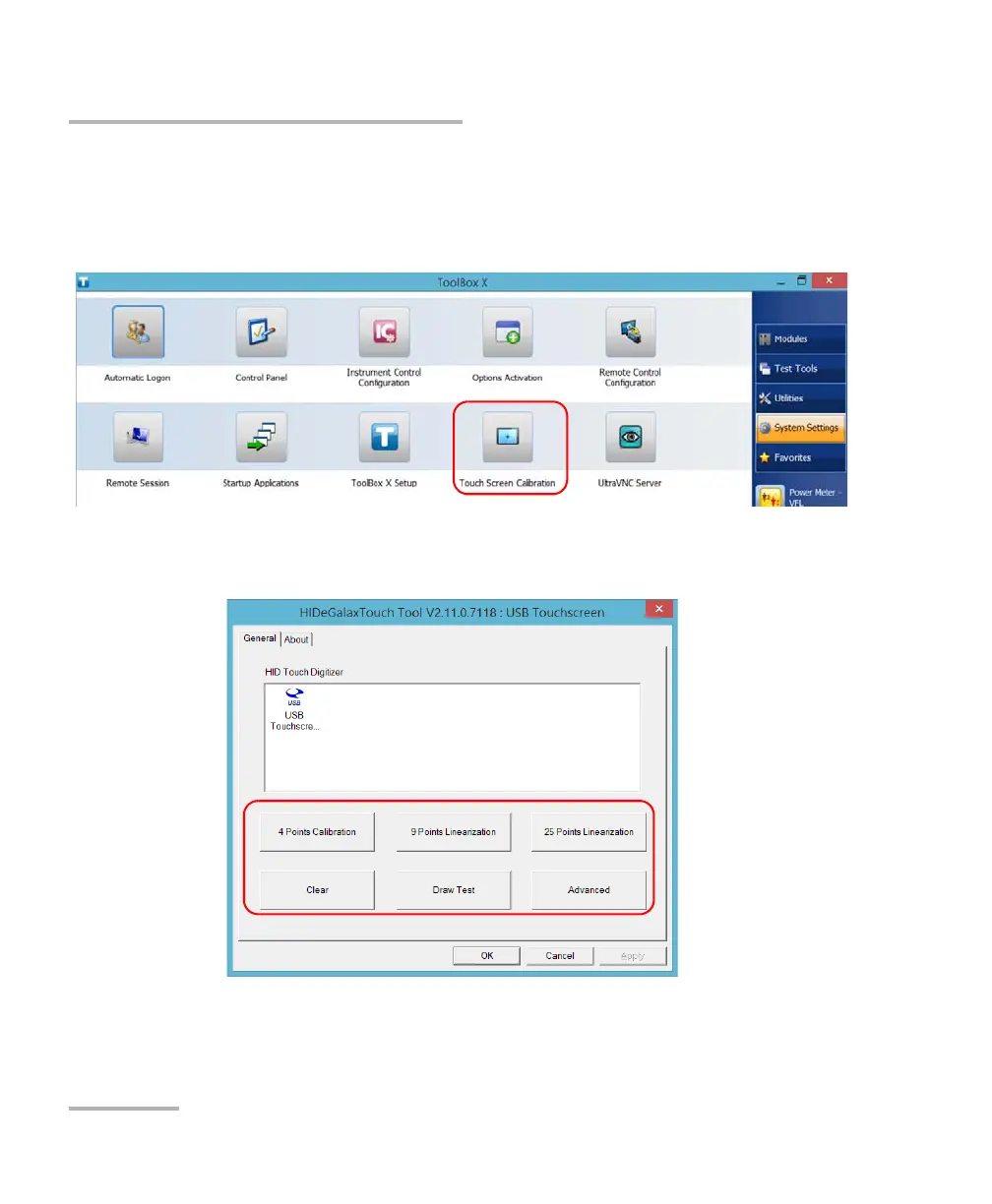
To recalibrate the touchscreen:
1. From the main window, tap the System Settings button.
2. Tap Touch Screen Calibration.
3. Tap the button corresponding to the type of calibration (or
linearization) that you want to perform.
ООО "Техэнком" Контрольно-измерительные приборы и оборудование www.tehencom.com



 To Next Page