Setting Up Your Unit
142 FTB-2/FTB-2 Pro and FTB-4 Pro
Configuring Parameters via Windows Mobility Center
Configuring Parameters via Windows Mobility
Center
For a quick access to various parameters such as the brightness, volume,
or power plans, you may want to use the Windows Mobility Center.
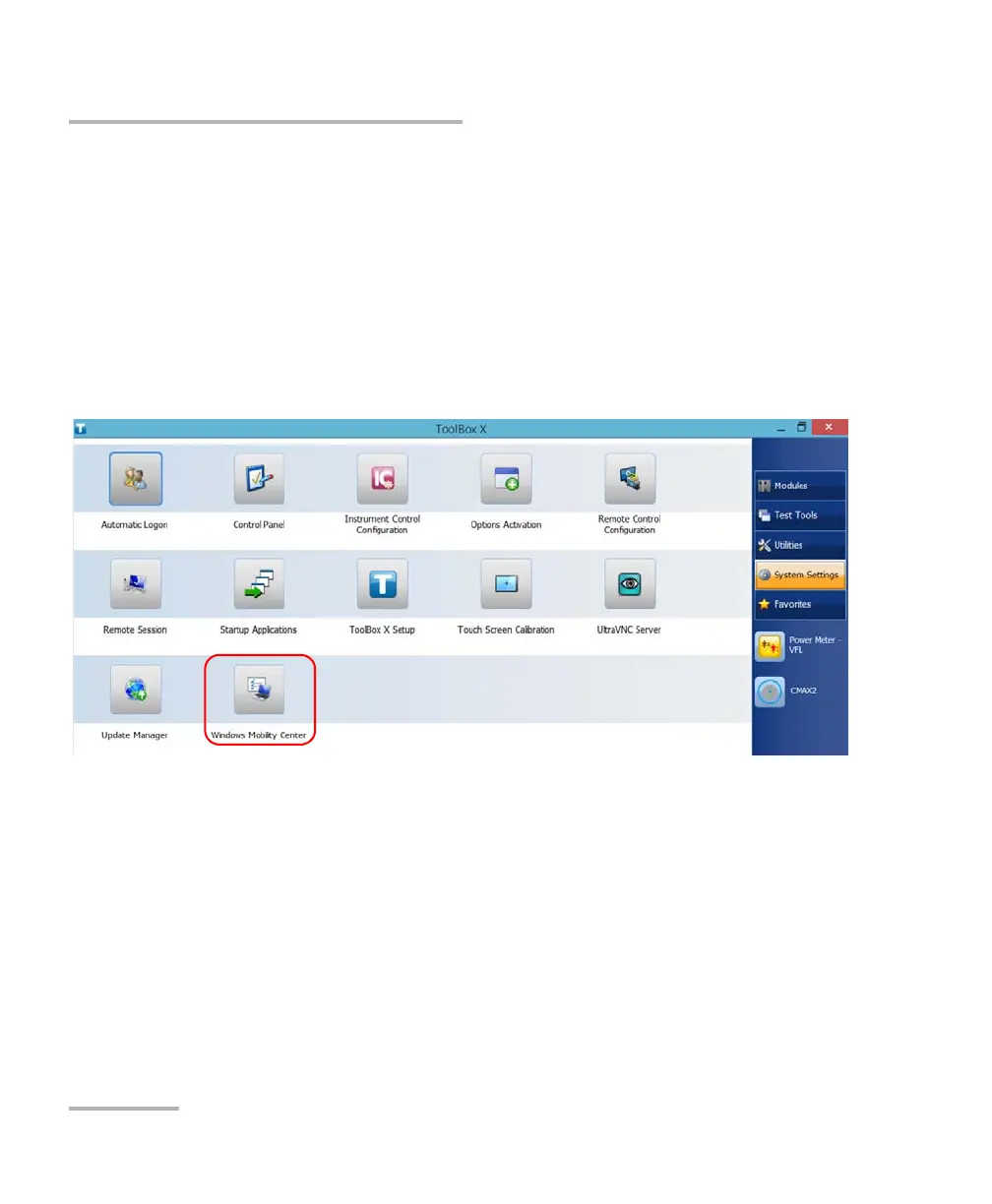
To configure the parameters via Windows Mobility Center:
1. From the main window, tap the System Settings button.
2. Tap Windows Mobility Center.
ООО "Техэнком" Контрольно-измерительные приборы и оборудование www.tehencom.com



 To Next Page