Test Setup - Test Configurator, Timer, and System
NetBlazer 215
RFC 2544 - Subtests
Thresholds Button
Note: For Dual Test Set, thresholds are configurable for Local to Remote and
Remote to Local directions at the exception of Round-Trip Latency
Threshold for which the value is unique.
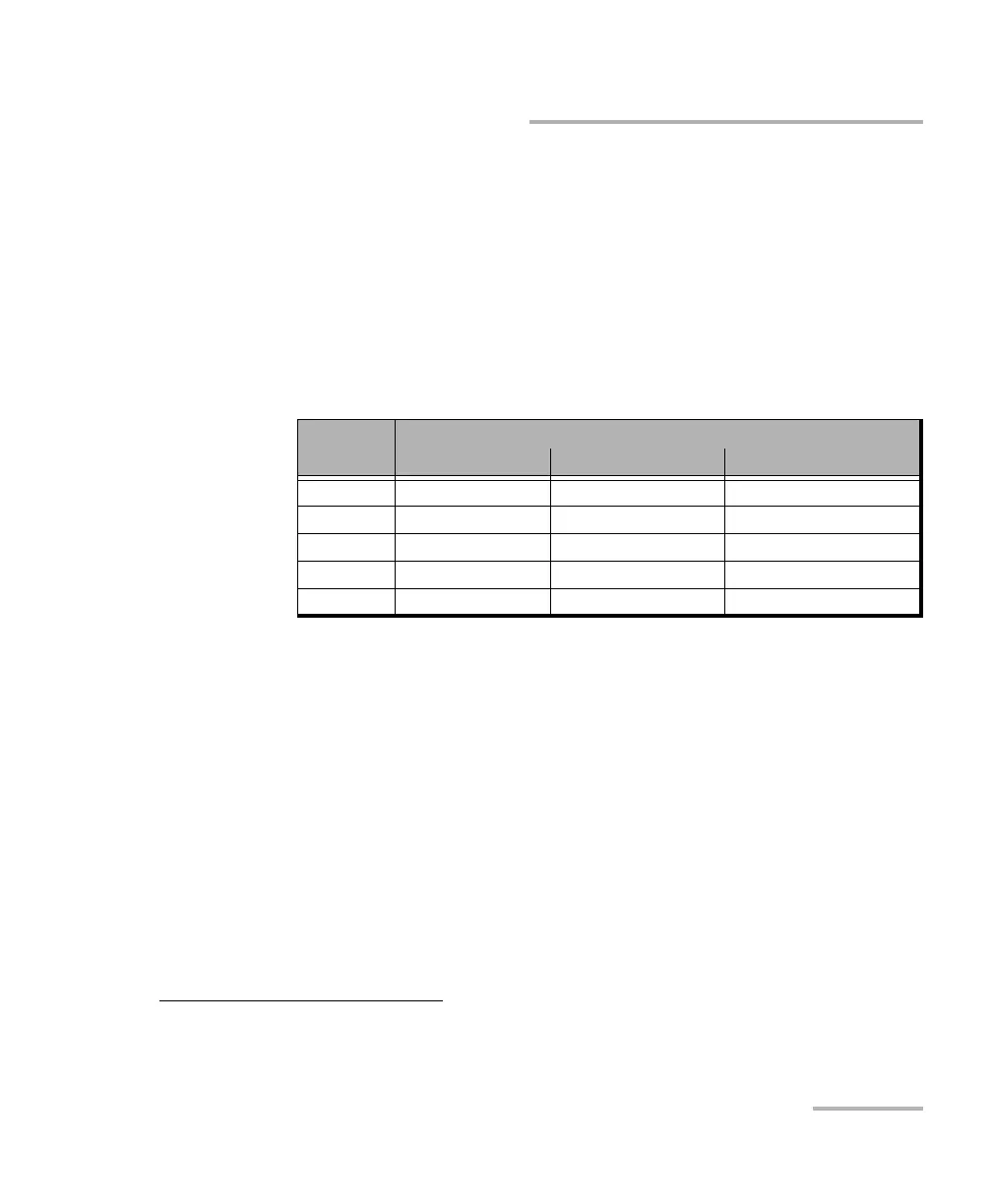
Throughput Threshold sets the threshold
1
value used to declare a
pass/fail verdict and it applies to all frame sizes when applicable. The
range is as follows:
Back-to-Back Threshold sets the threshold
1
value in percentage of
frames per burst to declare a pass/fail verdict. The range is from 0.0 to
100.0 (default) percent and it applies to all frames sizes when
applicable.
Frame Loss Threshold (%) sets the threshold
2
value of frame loss.
The range is from 0.000 to 100.000 (default is 0.100) and it applies to
all frame sizes when applicable.
1. The verdict is PASS when the received/measured value is greater or equal to the threshold value.
Interface
Speed
Max. Rate
% Mbit/s Gbit/s
10 Mbit/s 0.000 to 100.000
a
a. Defalut value.
0.000 - 10.000
a
Not Applicable
100 Mbit/s 0.000 to 100.000
a
0.000 - 100.000
a
Not Applicable
1000 Mbit/s 0.000 to 100.000
a
0.000 - 1000.000
a
0.000 - 1.000
a
10G LAN 0.000 to 100.000
a
0.000 - 10000.000
a
0.000 - 10.000
a
10G WAN
b
b. The maximum value for 10G WAN may be lower depending on the frame size. The
maximum value will be adjusted for each frame size.
0.000 to 92.8571
a
0.000 - 9230.769
a
0.000 - 9.230
a
2. The verdict is PASS when the received/measured value is lower or equal to the threshold value.












 To Next Page