Room Scheduling System • EMS Setup 51
4444444444
4444
1111111111
1111
2222222222
2222
3333333333
3333
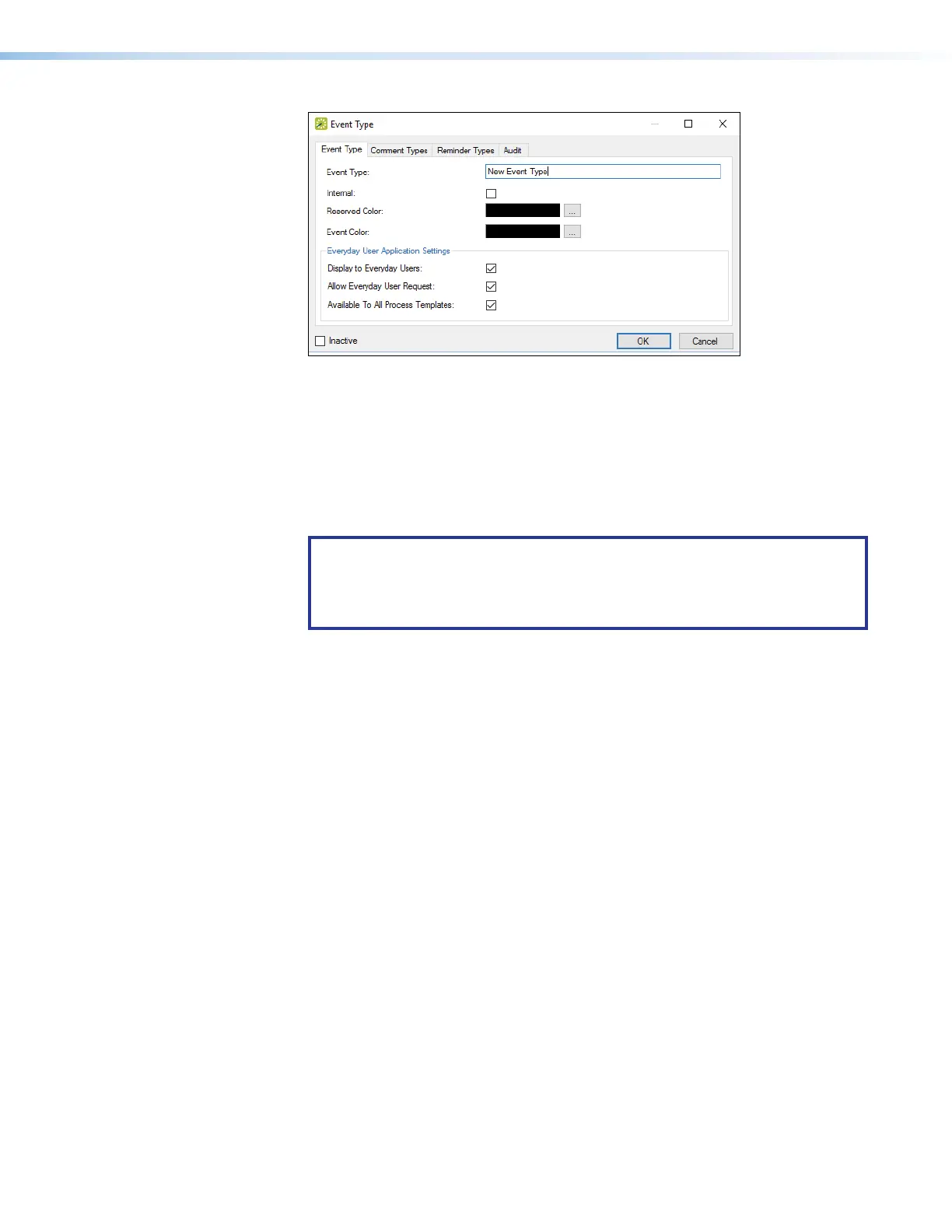
Figure 53. Event Type Dialog Box
6. Enter a name in the Event Type field (see figure 53,
1
).
7. Check Display to Everyday Users (
2
) and Available to All Process
Templates (
3
).
8. Click OK (4).
The dialog box closes and the display returns to the Event Type page (see
figure 52 on page 50).
NOTES:
• Enter this name in the Event Type Name field of the Panel Conguration
tab.
• The name is case sensitive.



 To Next Page