2-11VTG 400/400D • Installation and Operation
Menu overview
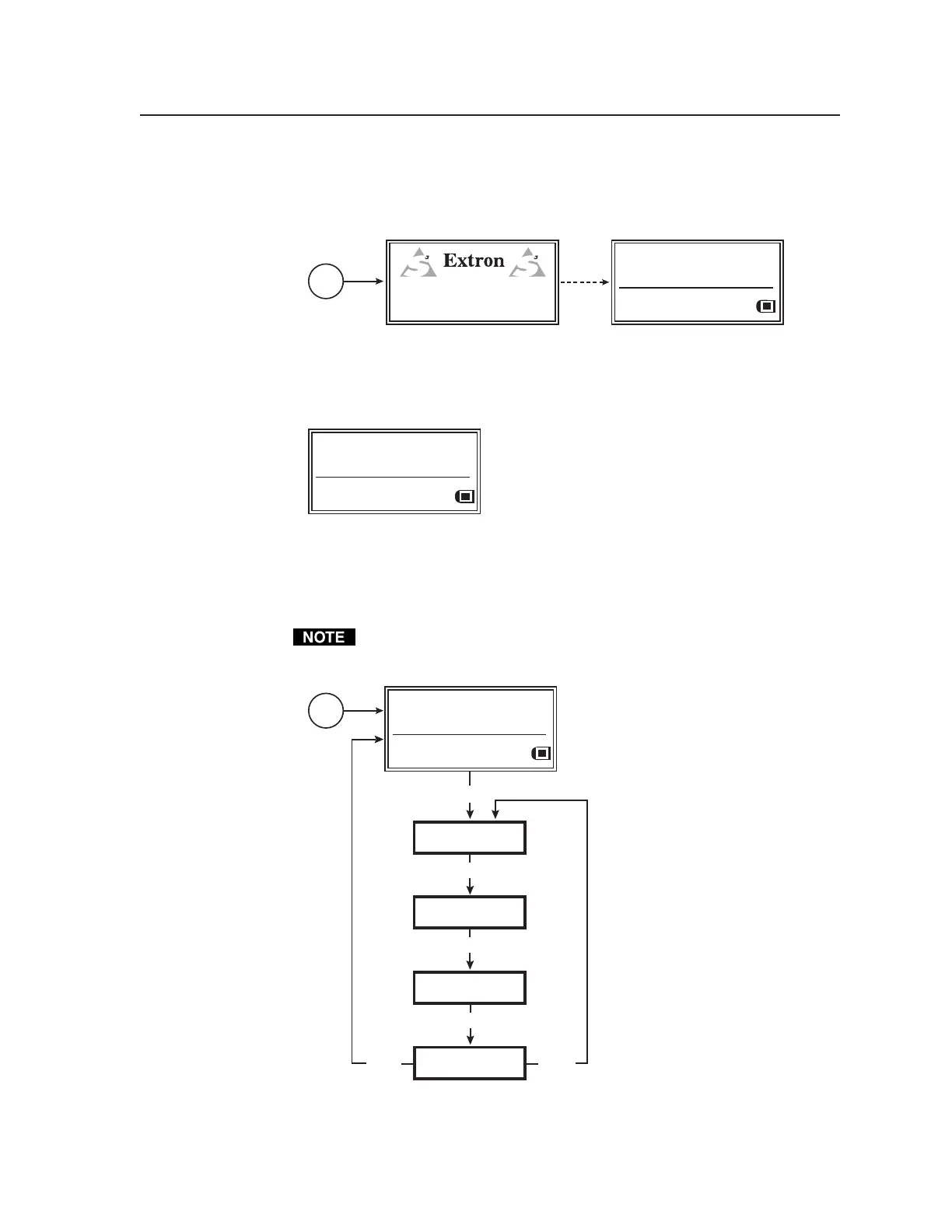
The default screen appears on the LCD when the unit is first powered on, as
shown here.
Power
on
RES: VGA 640x480
FRQ: 31.50kHz 60.00Hz
PAT: Fine Crosshatch
SIG: Pink noise FRQ: N/A
LEV: -10 dBu 245mV
VTG 400
VIDEO TEST GENERATOR
60-564-01 Ver. 1.00
3 sec.
Default menus during initial power up
If no top panel buttons are pressed within a 15-second timeout period, the
following menu is displayed. Both audio and video information are displayed.
RES: VGA 640x480
FRQ: 31.50kHz 60.00Hz
PAT: Fine Crosshatch
SIG: Pink noise FRQ: N/A
LEV: -10 dBu 245mV
Default menu after 15-second timeout
The main menus are shown in the following flowchart. The main menus for the
VTG 400 and VTG 400D are identical. Use the Menu button to scroll between
main menus.
From any menu or submenu, after 15 seconds of inactivity the VTG saves all
adjustment settings, and times out to the default screen.
AUDIO
SETUP
MENU
MENU
VIDEO
SETUP
MENU
ADVANCED
SETUP
MENU
NEXT
MENU
EXIT MENU
Press "NEXT" button
Power
on
RES: VGA 640x480
FRQ: 31.50kHz 60.00Hz
PAT: Fine Crosshatch
SIG: Pink noise FRQ: N/A
LEV: -10 dBu 245mV
Main menus for the VTG 400/400D
Tel. 07131 911201
Fax 07131 911203



 To Next Page