Installation and Operation, cont’d
VTG 400/400D • Installation and Operation2-18
Exit menu
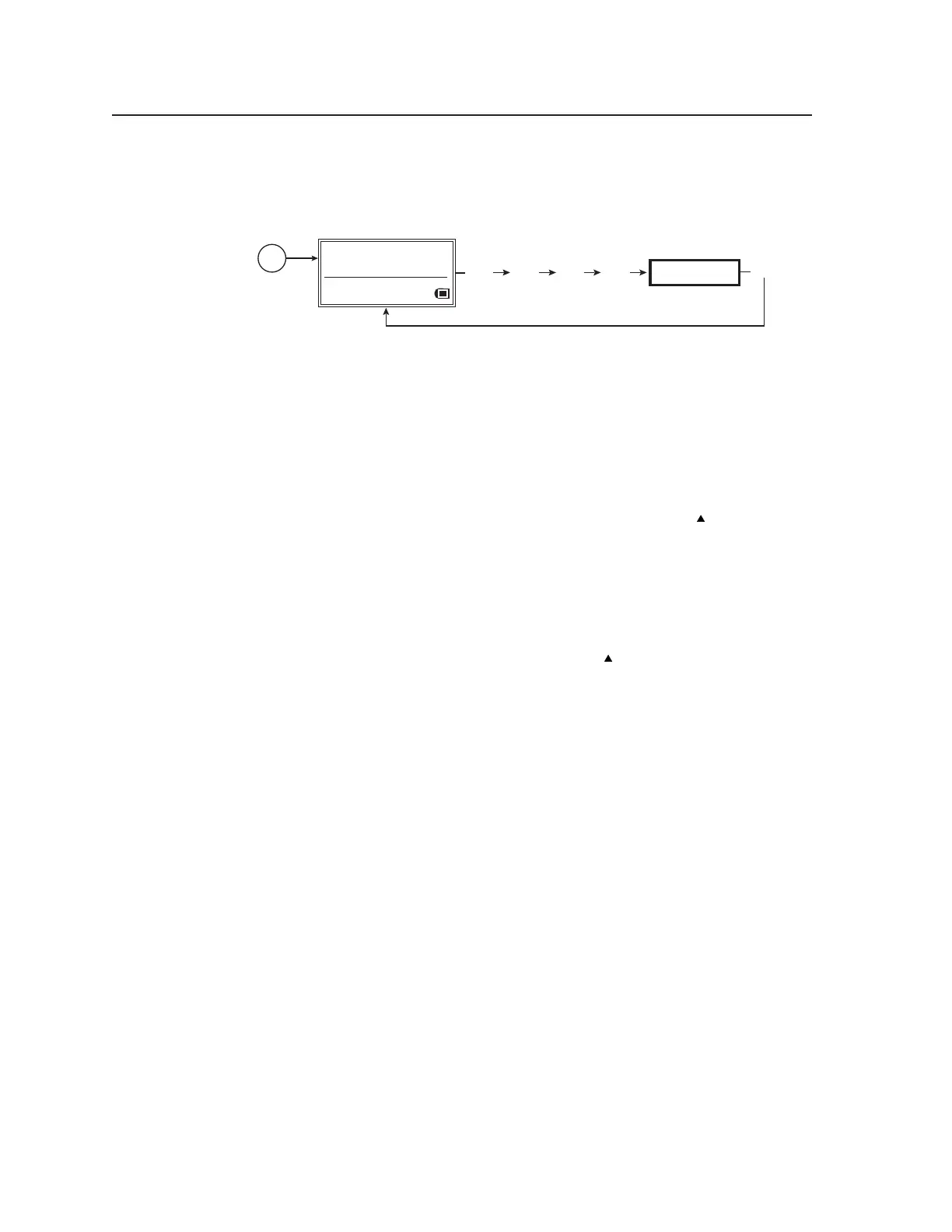
The following flowchart describes the Exit menu. Pressing the Next button from
this menu causes the VTG to return to the default screen.
EXIT MENU
Press "NEXT" button
MENU
NEXT
Power
on
RES: VGA 640x480
FRQ: 31.50kHz 60.00Hz
PAT: Fine Crosshatch
SIG: Pink noise FRQ: N/A
LEV: -10 dBu 245mV
MENU MENU MENU
Exit menu
Additional Functions
The VTG 400/400D has several functions that are not accessible through the
Menu and Next buttons.
Top panel security lockout (button lock mode)
To prevent accidental changes to settings, simultaneously press and hold the
Audio Signal Type button and the Video Test Pattern up cursor (
) button for
about two seconds to enable the VTG’s button lock mode. See the following
illustration.
Button lock mode locks all top panel functions. When button lock mode is active,
all functions and adjustments can still be made through RS-232 control. For
details on RS-232 control, see chapter 3.
To disable button lock mode, simultaneously press and hold the Audio Signal
Type button and the Video Test Pattern up cursor (
) button for about two
seconds.
Tel. 07131 911201
Fax 07131 911203



 To Next Page