Serial Communication, cont’d
VTG 400/400D • Serial Communication3-22
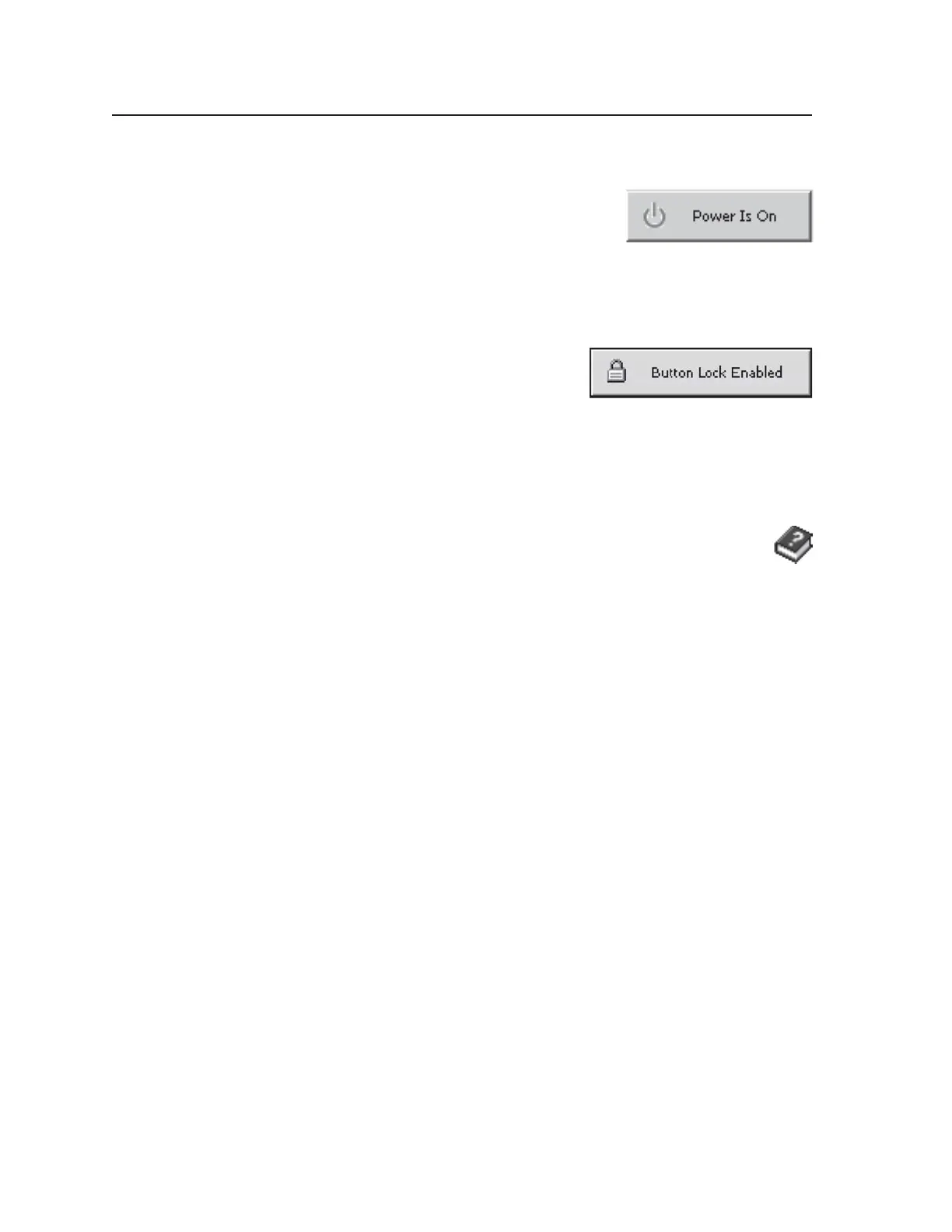
Power/Status button
The VTG can be powered on and off by clicking
this button. When the button’s status indicates
“Power is On”, it can be clicked to toggle the power
off and the status then indicates “Power is Off”.
When the button’s status indicates “Power is Off”,
it can be clicked to toggle the power on, and the status then indicates “Power is
On”.
Button Lock/Status button
The VTG can be placed in top panel security
lockout mode by clicking this button. When
the button’s status indicates “Button Lock
Enabled”, it can be clicked to disable the button lock, and the status then
indicates “Button Lock Disabled”. When the button’s status indicates “Button
Lock Disabled”, it can be clicked to enable the button lock, and the status then
indicates “Button Lock Enabled”.
See Top Panel security lockout in chapter 2.
Using the help program
For information on program features:
• Press the F1 computer key.
• Click on the Help menu from within the VTG 400 Control Program.
• Double-click on the VTG 400 Help icon in the Extron Electronics group or
folder.
Tel. 07131 911201
Fax 07131 911203



 To Next Page