3-13VTG 400/400D • Serial Communication
Video menu
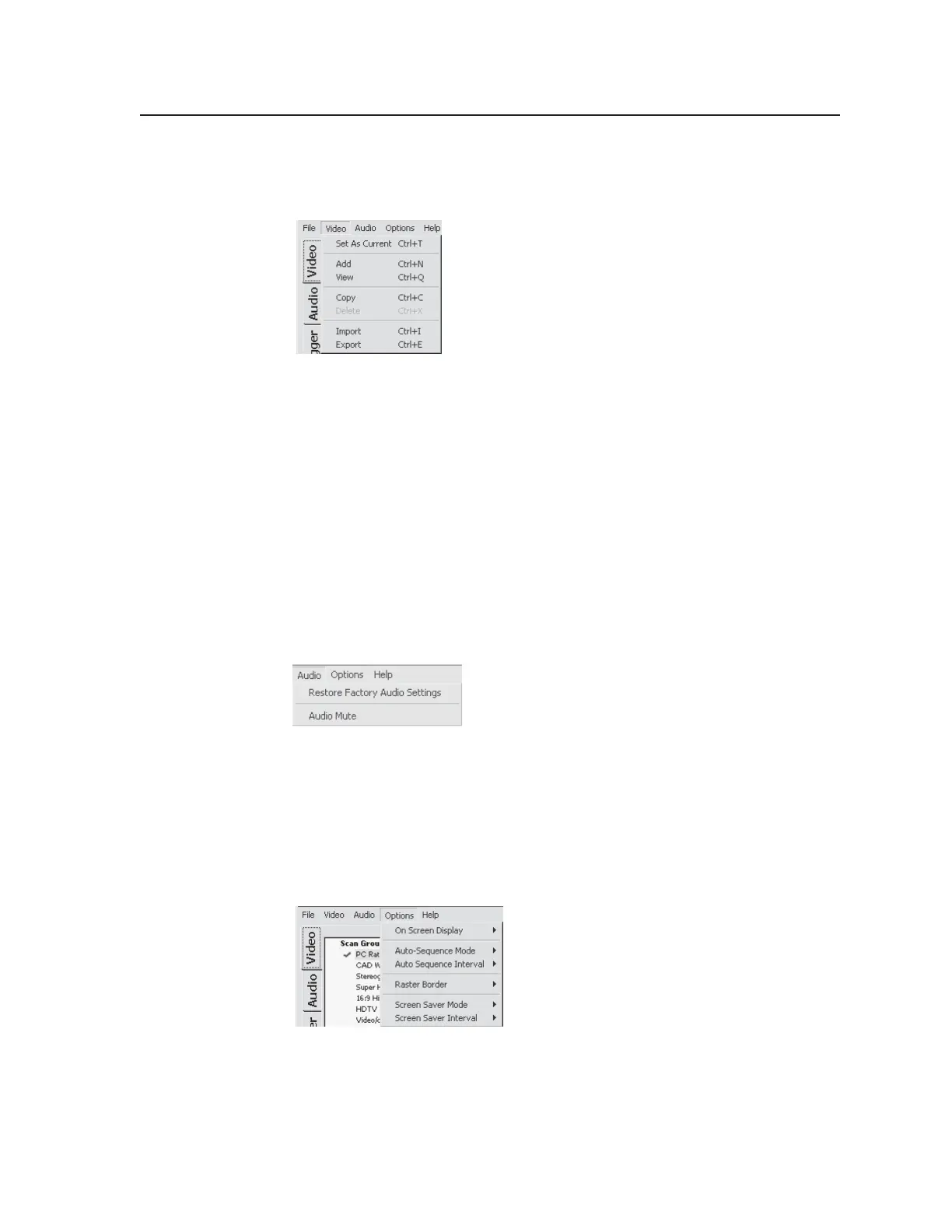
The Video menu features seven functions: Set As Current, Add, View, Copy,
Delete, Import, and Export. See the following illustration.
• Set As Current sets the selected scan rate as the current scan rate.
• The Add command presents a configuration window to create a new custom
scan rate.
• The View command displays the current scan rate’s configuration profile.
• The Copy command copies the selected scan rate to the Custom rates folder.
• The Delete command deletes the selected custom scan rate from the Custom
rates folder.
• The Import command imports (retrieves) scan rates from a file to the Custom
rates folder.
• The Export command exports (saves) scan rates to a file.
Audio menu
The Audio menu features the Restore Factory Audio Settings command and the
Audio Mute command. See the illustration below.
• The Restore Factory Audio Settings command sets all the audio settings to
factory default.
• The Audio Mute command mutes all audio outputs.
Options menu
The Options menu features six functions: On Screen Display, Auto-Sequence
Mode, Auto Sequence Interval, Raster Border, Screen Saver Mode, and Screen
Saver Interval. See the illustration below.
• On Screen Display sets the output display on or off.
• The Auto Sequence Mode command allows test patterns to be displayed in a
predetermined sequence and can be set on or off.
• The Auto Sequence Interval command specifies the duration each test pattern
is displayed.
Tel. 07131 911201
Fax 07131 911203



 To Next Page