Appendix, cont’d
VTG 400/400D • AppendixA-14
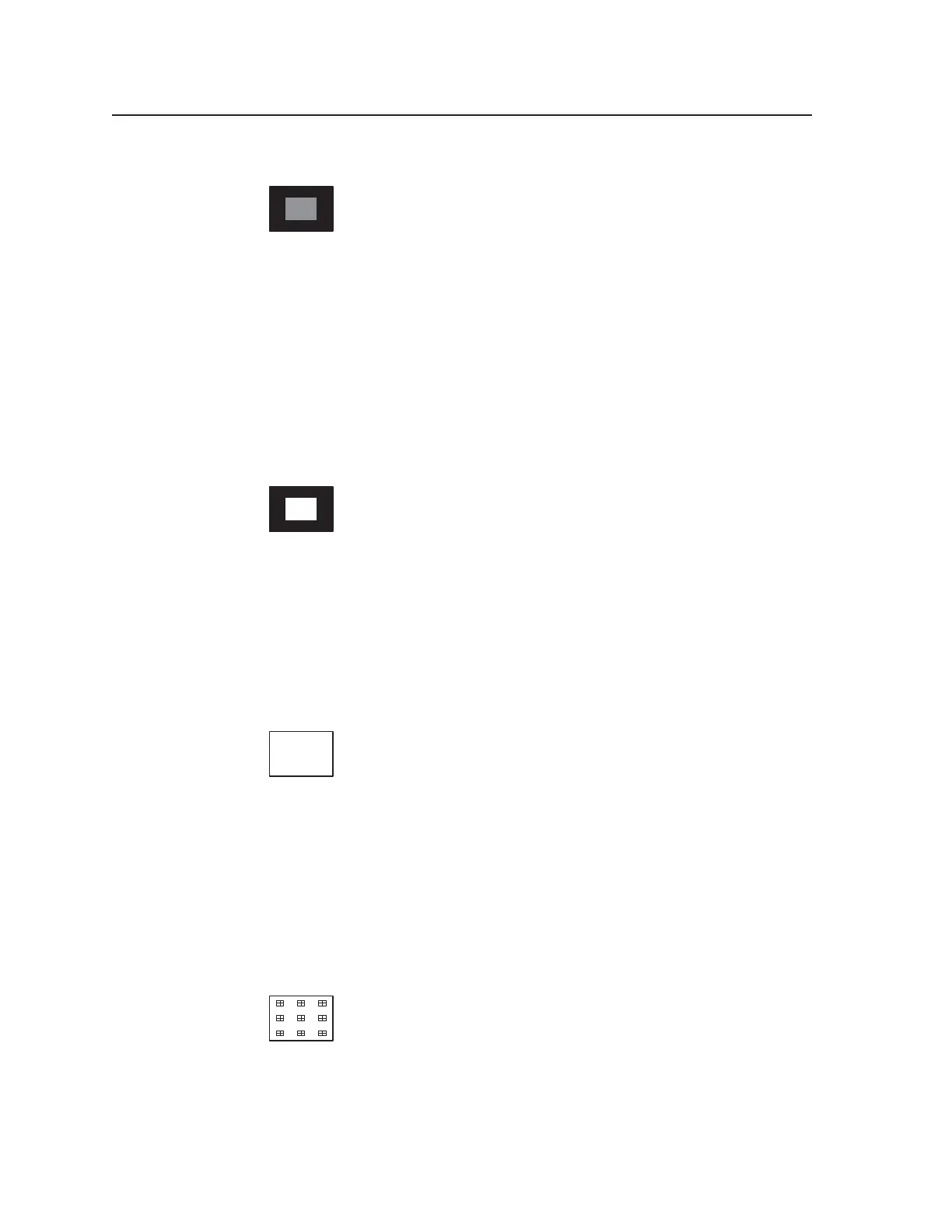
15. Window 20%
Window patterns provide a low duty cycle white, or near white,
reference at screen center for performing grayscale setup without
driving the display into a nonlinear operating condition. The 20%
gray level of this pattern is a good choice for setup of lowlight
values (those gray levels near black) when performing grayscale setup of a
display.
When using a colorimeter, or other suitable light measurement device, the bias or
lowlight controls are adjusted to provide the correct color of gray near black
during grayscale calibration. This pattern is located “next door” to the 80% level
window to facilitate quick switching between high and low duty cycle window
patterns in order to streamline the grayscale calibration procedure. In addition,
the 20% level window is located next to the variable window pattern which may
be set to any value from zero to 100% output level. The default level for the
variable window pattern is 100%.
16. Window (variable level)
Window patterns provide a low duty cycle white, or near white,
reference at screen center for performing grayscale setup without
driving the display into a nonlinear operating condition. The
variable window pattern level defaults to 100% output level, or full
white. Using the Up/Down soft keys on the VTG 400, the level of this pattern
may be set in 1% increments to any value required.
For direct-view displays, the 100% window level is normally used to set the
highlight or gain controls when performing grayscale calibration. With this
pattern located next to the 20% window, rapid pattern switching is possible
between highlight and lowlight adjustments when performing the grayscale
calibration procedure.
17. Flat Field
This pattern is used to evaluate white field uniformity. The default
level of this white field is 100%, but may be adjusted using the VTG
400 soft keys to any value from zero to 100% in 1% increments. This
pattern is also used for the measurement of display light output.
For example, with the ANSI methods of measurement for display light output, an
appropriate light meter may be placed at each of the prescribed nine screen
locations in order to obtain readings for entry into the ANSI calculations. See the
Flat Field with Targets test pattern for additional support with this task.
For situations requiring display of any one of the primary or secondary colors as
a flat field, the user may enter into the VTG 400 video setup menu and turn On or
Off combinations of the primary output channels. Also note that this feature is
available to modify the color of most all the test patterns.
18. Flat Field with Targets
Switching to the Flat Field with Targets pattern results in nine box
targets being overlaid upon the flat field pattern. These targets
guide the user with proper location placement of the appropriate
light metering device for collection of light output levels used in
calculation of the ANSI lumen value of the display. The targets facilitate location
of the light meter only and should be switched Off (returning to the regular flat
field pattern) while taking the light measurement reading.
Tel. 07131 911201
Fax 07131 911203



 To Next Page