Serial Communication, cont’d
VTG 400/400D • Serial Communication3-26
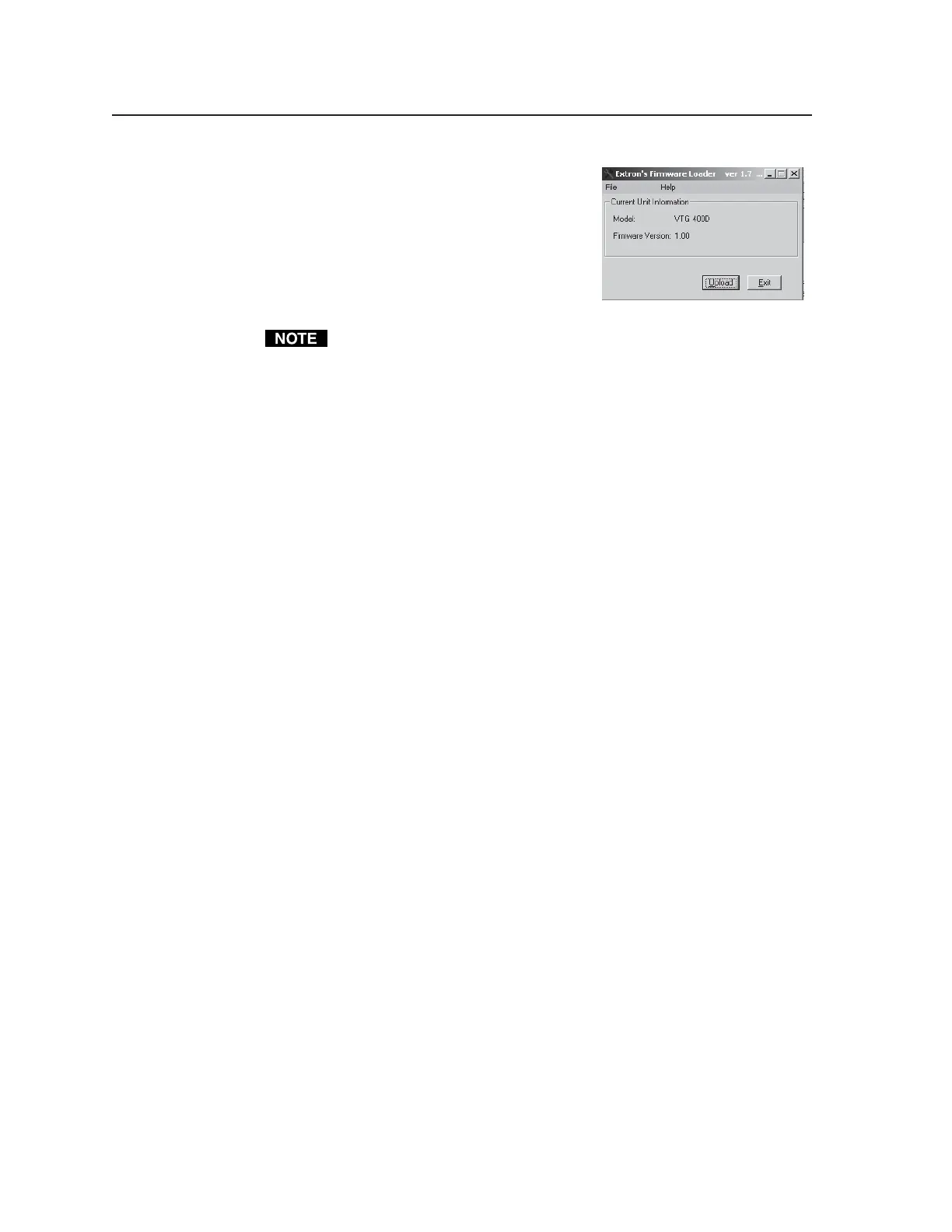
4. Select Upload from the Firmware Loader
window, as shown at right.
5. Select the desired firmware file. The
uploading of the firmware to the VTG
400/400D will take a few minutes.
The original factory-installed firmware is permanently available on the
VTG 400/400D. If an attempted upload of new firmware fails for any
reason, the VTG 400/400D reverts to the factory-installed firmware.
Tel. 07131 911201
Fax 07131 911203



 To Next Page