RESTRICTED USE ONLY FARGO Electronics, Inc.
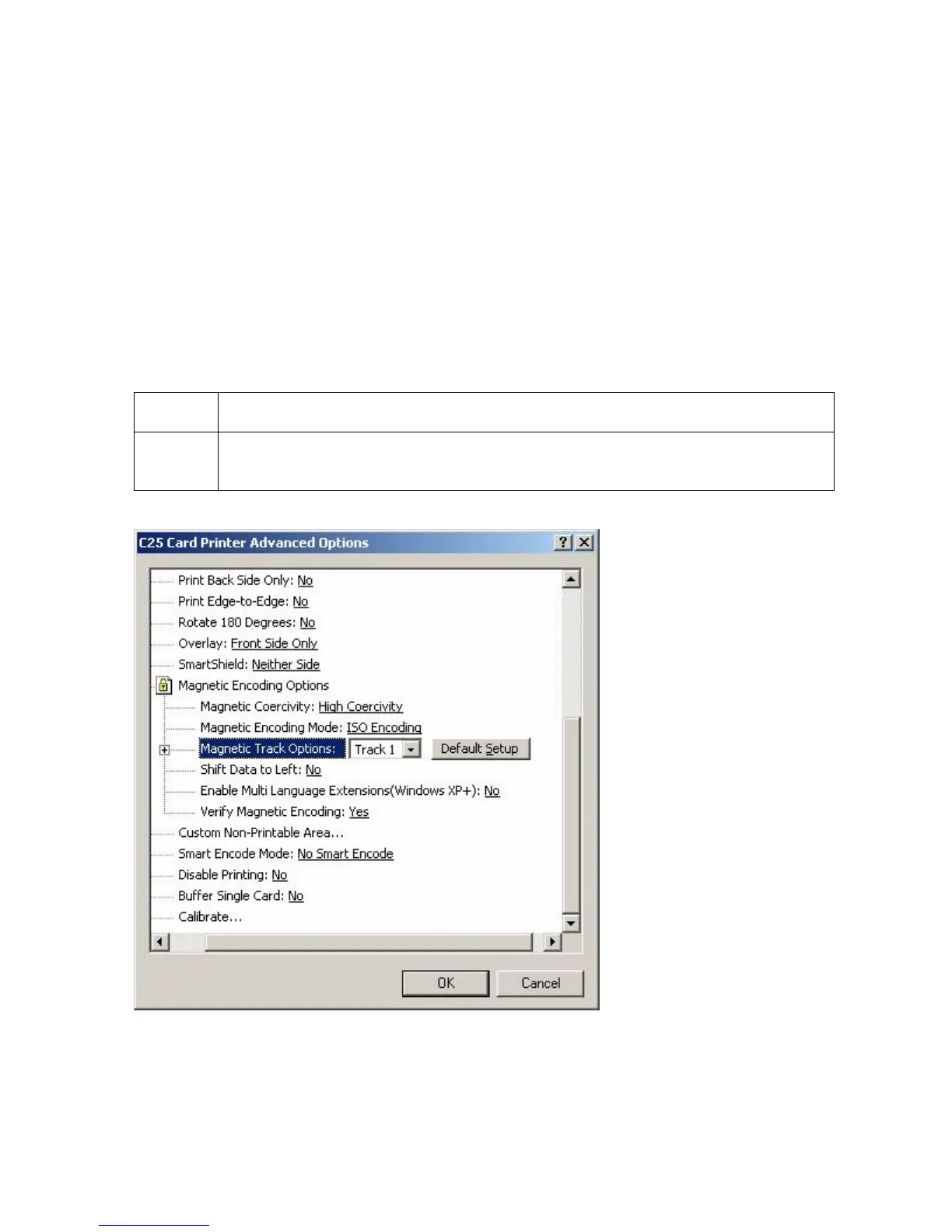
Selecting the Magnetic Track Options
Use the Magnetic Track options for these purposes:
• Customize the ISO encoded data format for each of the Magnetic Stripe's three Tracks.
• Customize each Track independently of the other two.
• Specify which of the three Tracks to customize by selecting one of the three Track
options.)
(Note #1: After making the required selection, the Magnetic Track options box displays the
current set of customization options for the selected Track.)
(Note #2: For most applications, the default settings for these options do not need to be
changed.)
Step Procedure
1 Properly adjust the Magnetic Encoding options to change the ISO Standards
for Tracks 1, 2, and 3.
Persona® C25 Card Printer User Guide (Rev. 4.0)
107












 To Next Page