RESTRICTED USE ONLY FARGO Electronics, Inc.
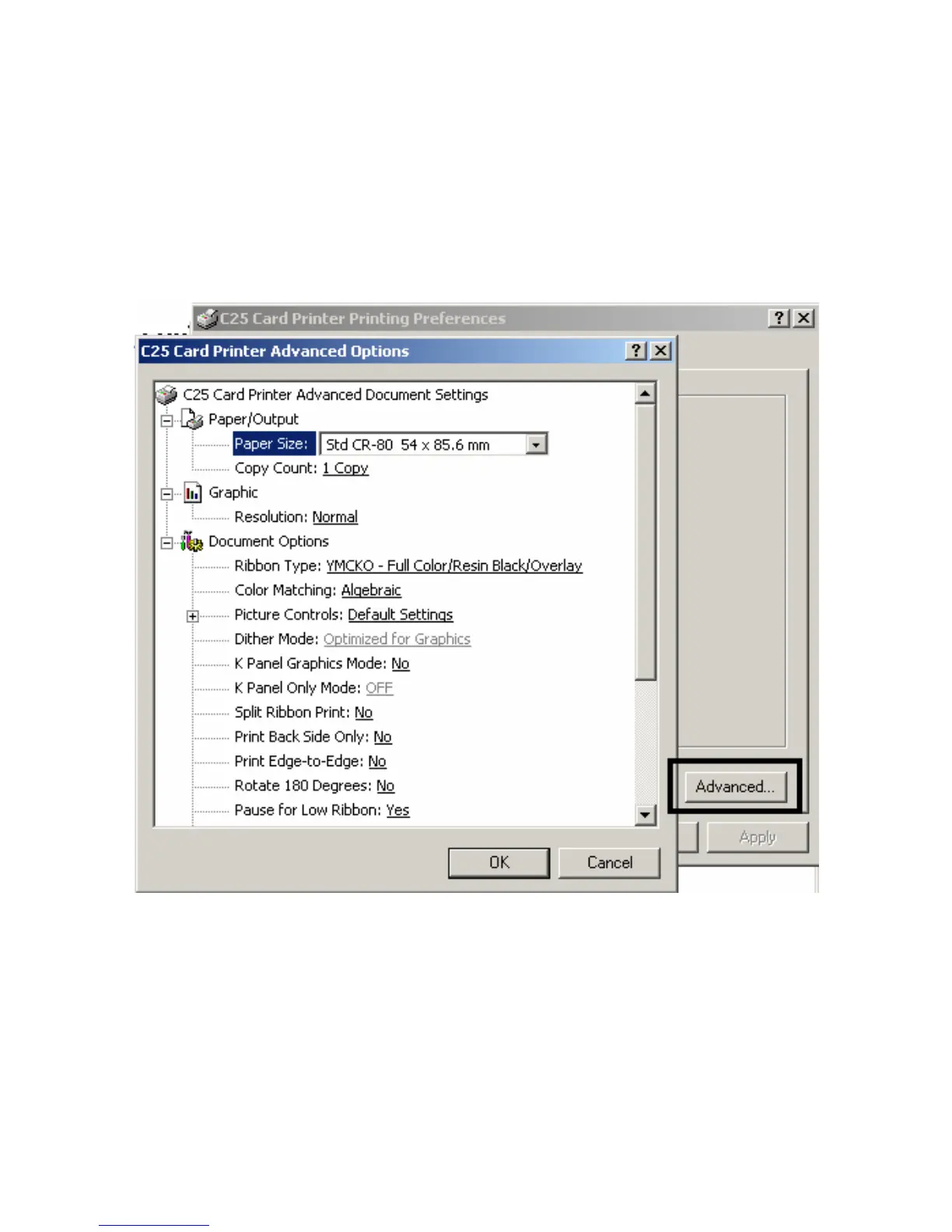
Using the C25 Card Printer Advanced Document
Settings
Access the Persona C25 Card Printer Properties window via Start > Settings > Printers >
Persona C25 Card Printer (icon) > Persona C25 Card Printer Printer Preferences window >
Advanced button (which brings up the Persona C25 Card Printer Advanced Document
Settings window).
Persona® C25 Card Printer User Guide (Rev. 4.0)
79












 To Next Page