RESTRICTED USE ONLY FARGO Electronics, Inc.
Resolving the Card Surface Debris problem
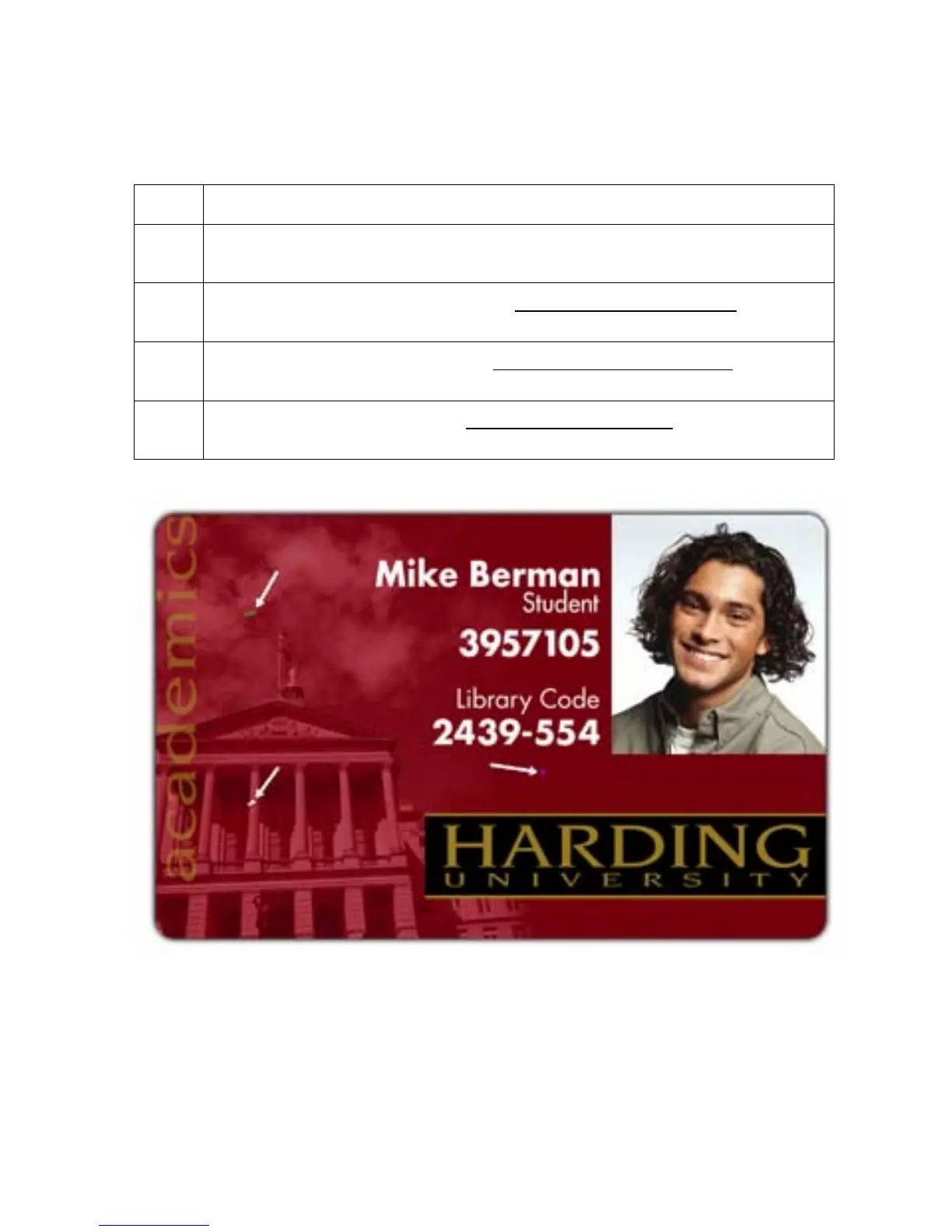
Symptom: Prints have "spots" (white or colored voids) and/or dust on them.
Step Procedure
1 Be sure the cards are clean and stored in a dust-free environment. Cards with
embedded contaminants in the surface should not be used.
2 Clean the inside of the Printer. See the Cleaning the Printer’s Interior procedure
on page 132.
3 Clean the Cleaning Rollers. See the Cleaning the Card Feed Rollers procedure
on page 133.
4 Clean the Platen Roller. See the Cleaning the Platen Rollers procedure on page
138.
Persona® C25 Card Printer User Guide (Rev. 4.0)
48












 To Next Page