RESTRICTED USE ONLY FARGO Electronics, Inc.
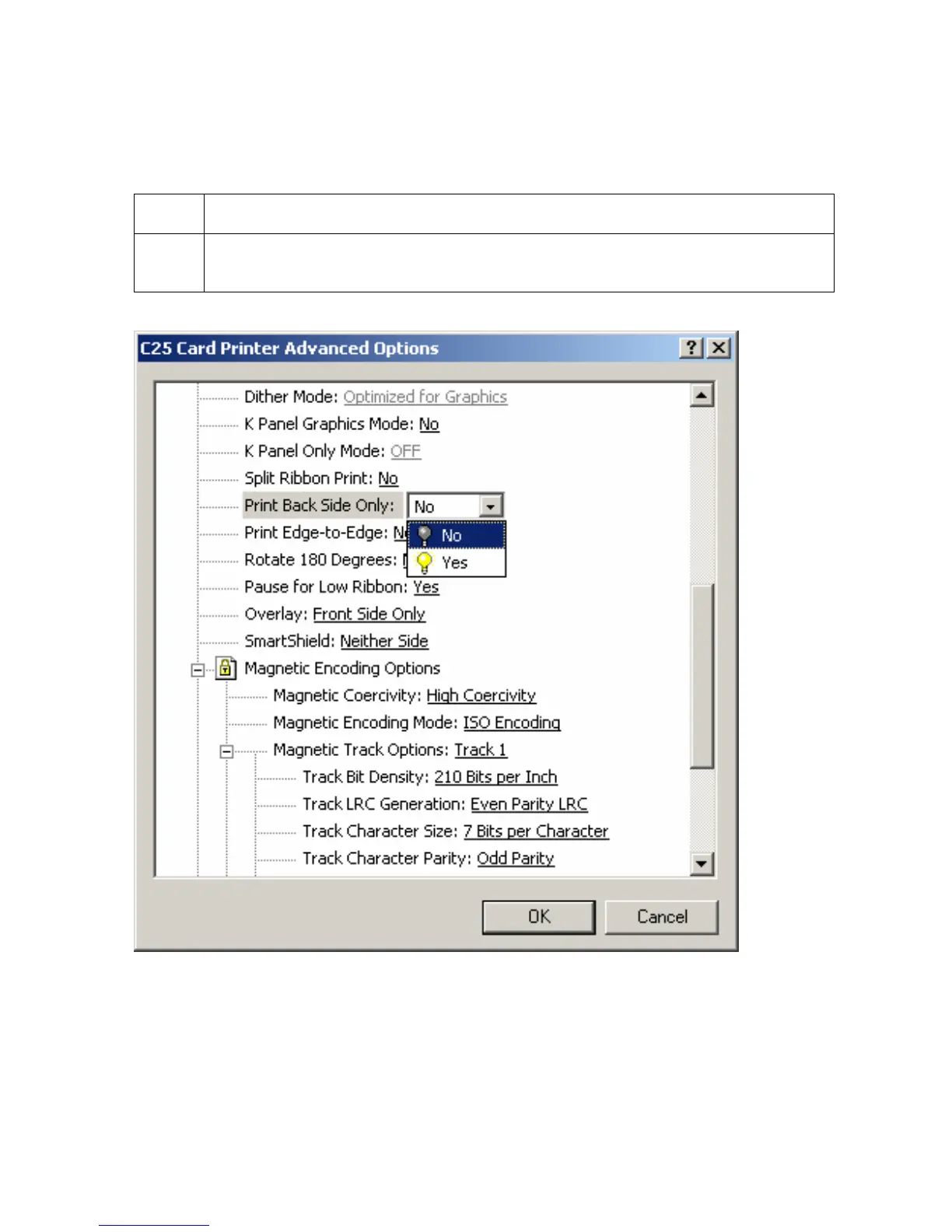
Selecting the Print Back Side Only option
Use this option to automatically print on the backside of a card.
Step Procedure
1 Select this option to conveniently print the backside of preprinted cards, which
must have their Magnetic Stripe or smart card chip encoded.
Persona® C25 Card Printer User Guide (Rev. 4.0)
95












 To Next Page