RESTRICTED USE ONLY FARGO Electronics, Inc.
Adjusting the RP3 to center print the Card
Step Procedure
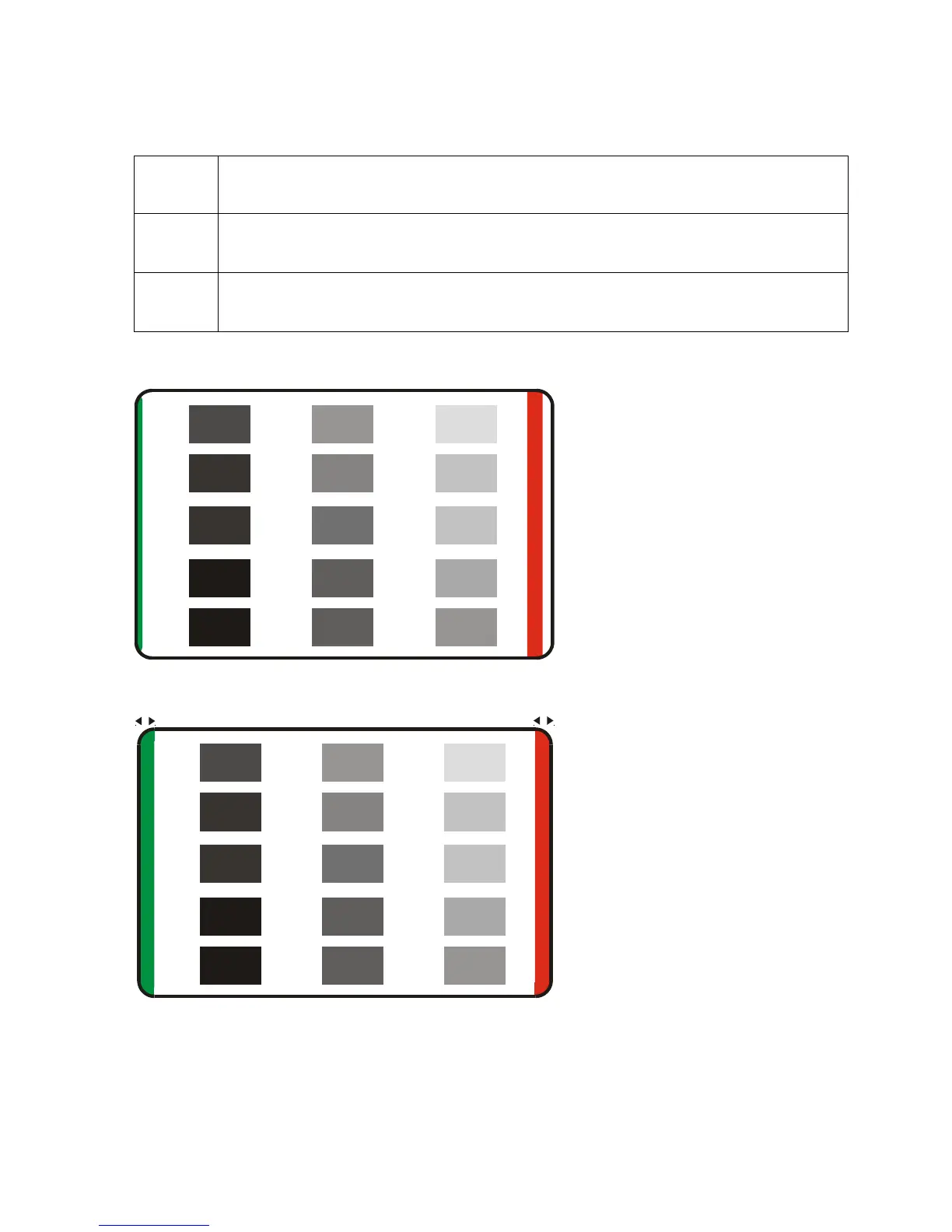
1 Adjust the RP3 counter-clockwise to center the print onto the card. (Note: The
narrow green bar at the leading edge of the card.) See Display A.
2 Ensure that the width of the green and red bars (at the leading and trailing edges
of the card) is equal to each other for centered print. See Display B.
Here is Display A.
v
1
.
0
.
1
Here is Display B.
v
1
.
0
.
1
Persona® C25 Card Printer User Guide (Rev. 4.0)
69












 To Next Page