RESTRICTED USE ONLY FARGO Electronics, Inc.
Adjusting the Dye-Sub and Resin Intensity Level
Symptoms: Color intensity is unaccepTable or software adjustments fail to meet
requirements.
Step Procedure
1 Alter the intensity level of the Printhead either after replacing the Printhead or
identifying certain color intensity problem with a particular brand of cards.
Two independent adjustments are needed for the Dye-Sub and Resin intensity
levels. (Note: The software adjustments are more precise and may meet the
normal requirements.)
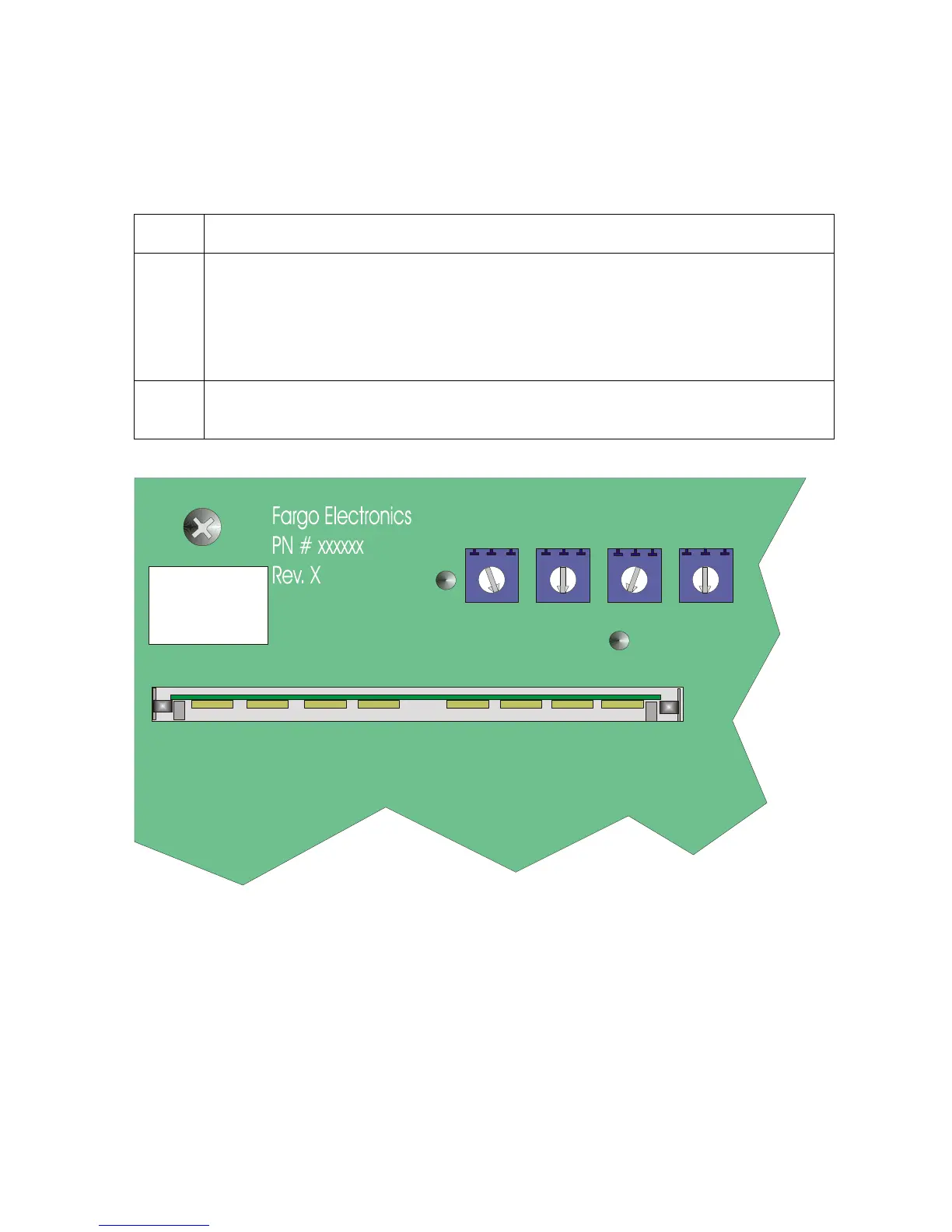
2 Adjust the RP1 potentiometer on the Main Circuit Board if the software
adjustments fail to meet the requirements (until those requirements are met).
DARKNESS
Rp1
Rp7
OFFSET MAG
OFFSET PRN
RP3
Rp6
OFFSET LAM
Tp5
COLOR
Tp3
Persona® C25 Card Printer User Guide (Rev. 4.0)
66












 To Next Page