RESTRICTED USE ONLY FARGO Electronics, Inc.
Resolving the Ribbon Wrinkle problem
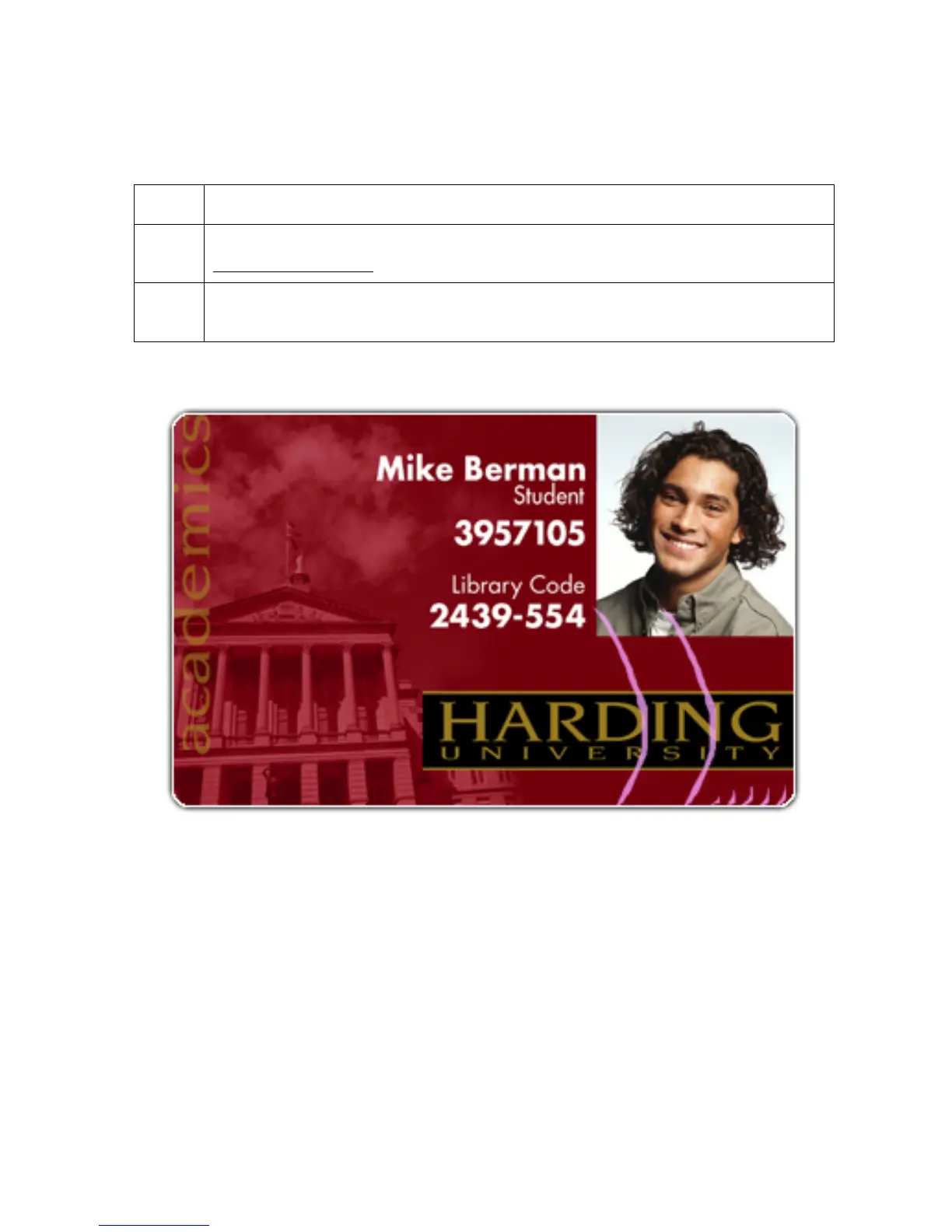
Symptom: Printed cards have off-colored lines or streaks on them.
Step Procedure
1 Confirm that the Printer is using the most current Driver from:
http://www.fargo.com
2 Reduce the Dye-Sub Intensity setting within the Picture Control tab of the Printer
Driver to control the overall darkness and lightness of the printed image.
Persona® C25 Card Printer User Guide (Rev. 4.0)
50












 To Next Page