RESTRICTED USE ONLY FARGO Electronics, Inc.
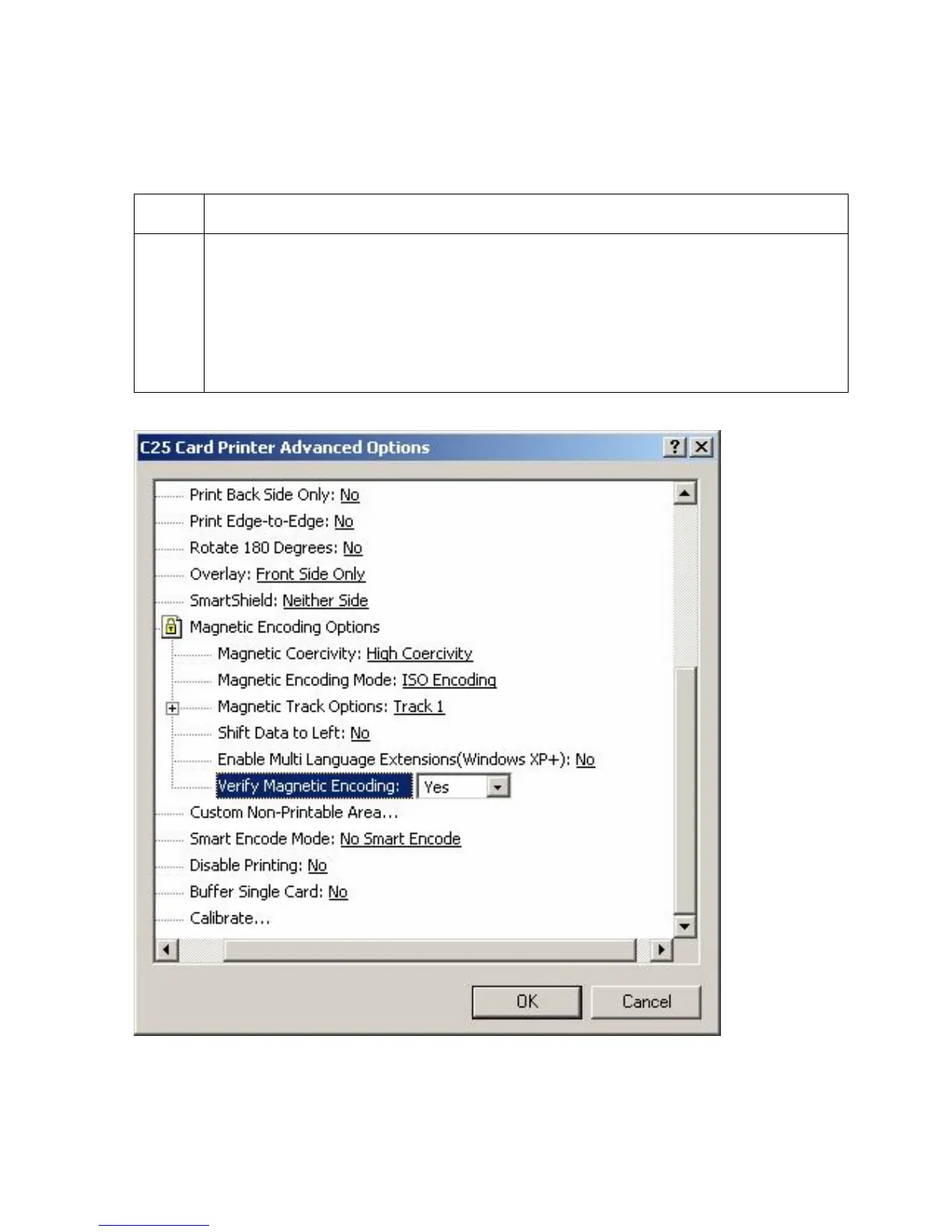
Selecting the Verify Magnetic Encoding option
Use this option to verify the encoding settings.
Step Procedure
1
Select this option to instruct the Printer to verify that all magnetic data has been
correctly encoded on each card. (Note: This option is selecTable for both ISO
and JIS II encoding modes.)
• If this option is selected, any verify errors will cause the Printer to signal an
error condition.
• If this option is not selected, the verify pass will not be executed.
Persona® C25 Card Printer User Guide (Rev. 4.0)
115












 To Next Page