RESTRICTED USE ONLY FARGO Electronics, Inc.
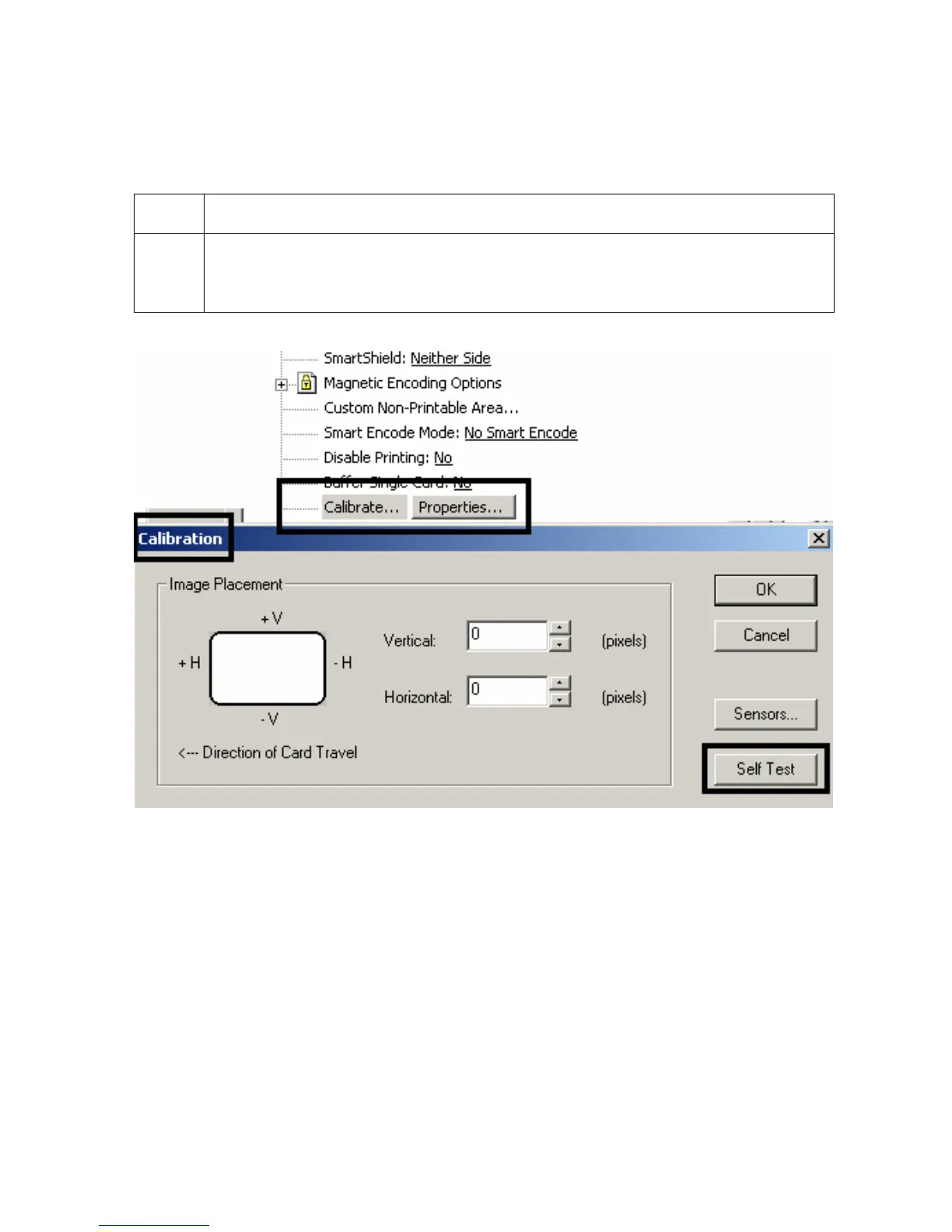
Selecting the Self Test button
Use this option to send a Self Test page to the Printer.
Step Procedure
1 Click on the Self Test button to print out a test page and ensure that the
computer is effectively communicating with the Printer, and that the Printer is
functioning properly.
Persona® C25 Card Printer User Guide (Rev. 4.0)
129












 To Next Page