RESTRICTED USE ONLY FARGO Electronics, Inc.
Resolving the incorrect Image Darkness problem
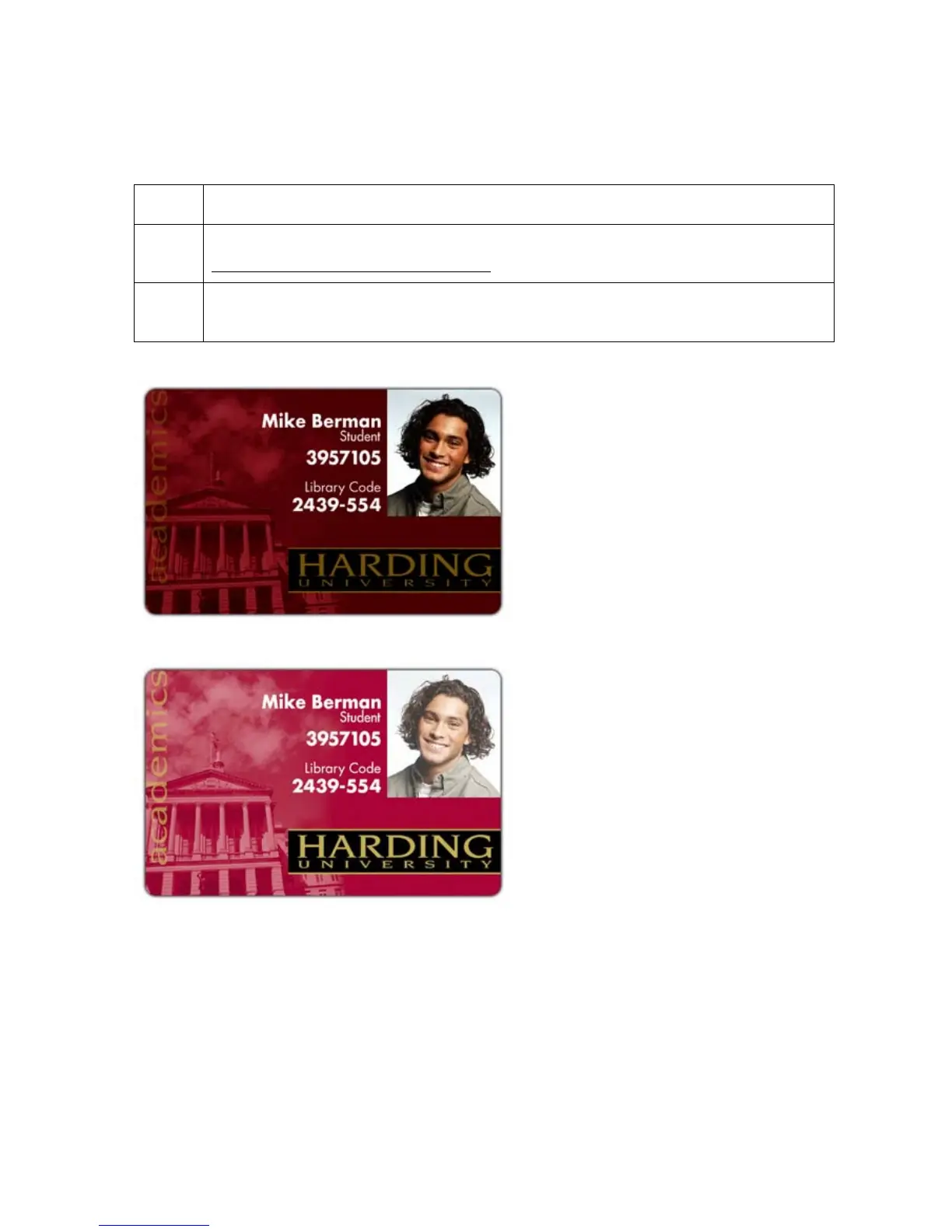
Symptom: Printed cards are too dark or too light.
Step Procedure
1 Run a self-test to ensure that the issue is not with the Driver settings. See the
Running the Standard Self Test Print procedure on page 57.
2 Reduce the Dye-Sub Intensity setting within the Picture Control tab of the Printer
Driver to control the overall darkness and lightness of the printed image.
Persona® C25 Card Printer User Guide (Rev. 4.0)
49












 To Next Page