RESTRICTED USE ONLY FARGO Electronics, Inc.
Applying Power
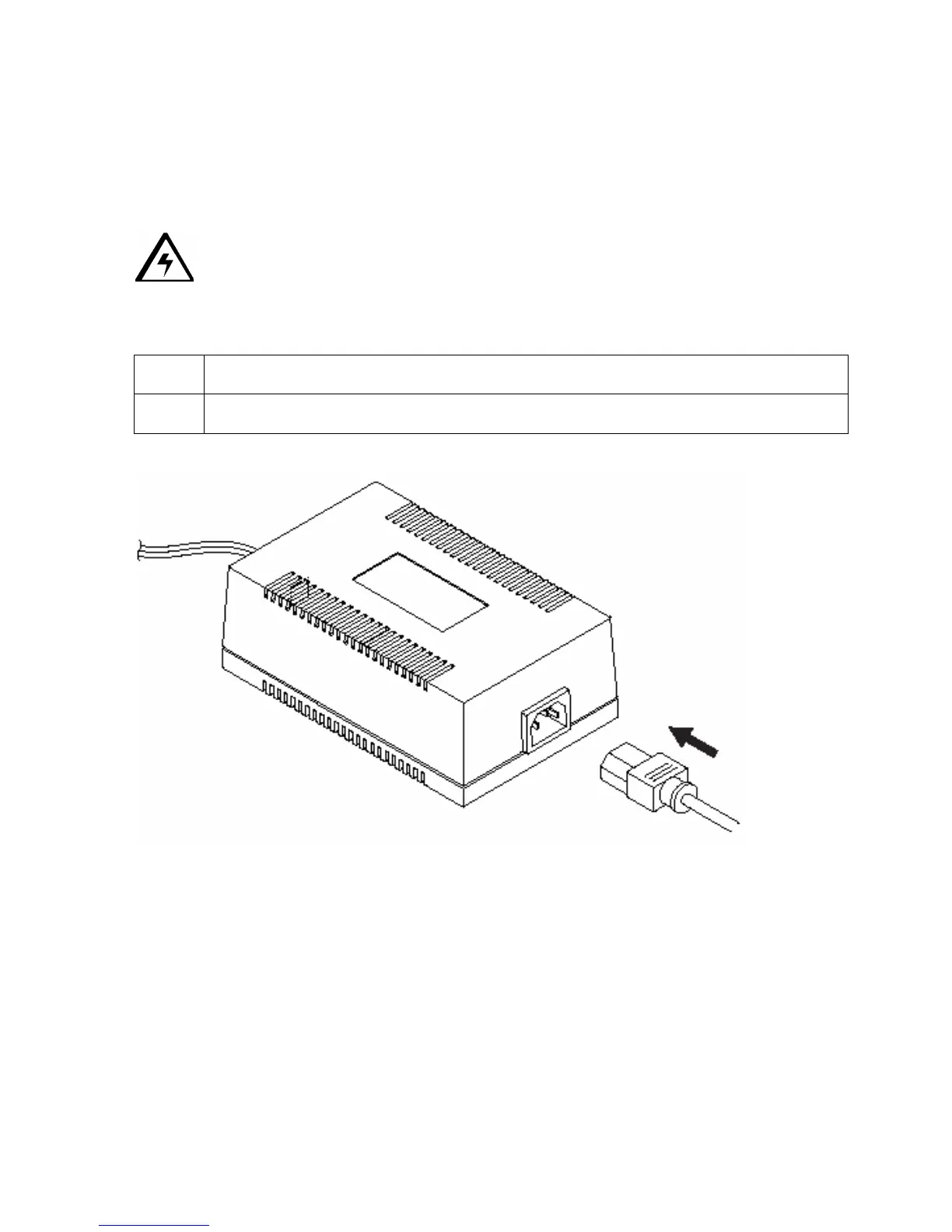
The power supply included with the printer is a universal power supply properly configured
for the power used in your country. To connect this power supply to the printer, locate the
appropriate power cord for your country and refer to the following steps:
Caution: The included power supply is designed for use only with the color ID card
printer. If you have any double about the plug configuration or voltage, do not attempt to use
the printer. Contact your authorized reseller for information on the correct power supply
configuration.
Step Procedure
1 Place the power cord into the power cord port of the power supply.
Persona® C25 Card Printer User Guide (Rev. 4.0)
142












 To Next Page