RESTRICTED USE ONLY FARGO Electronics, Inc.
Applying Power (continued)
Step Procedure
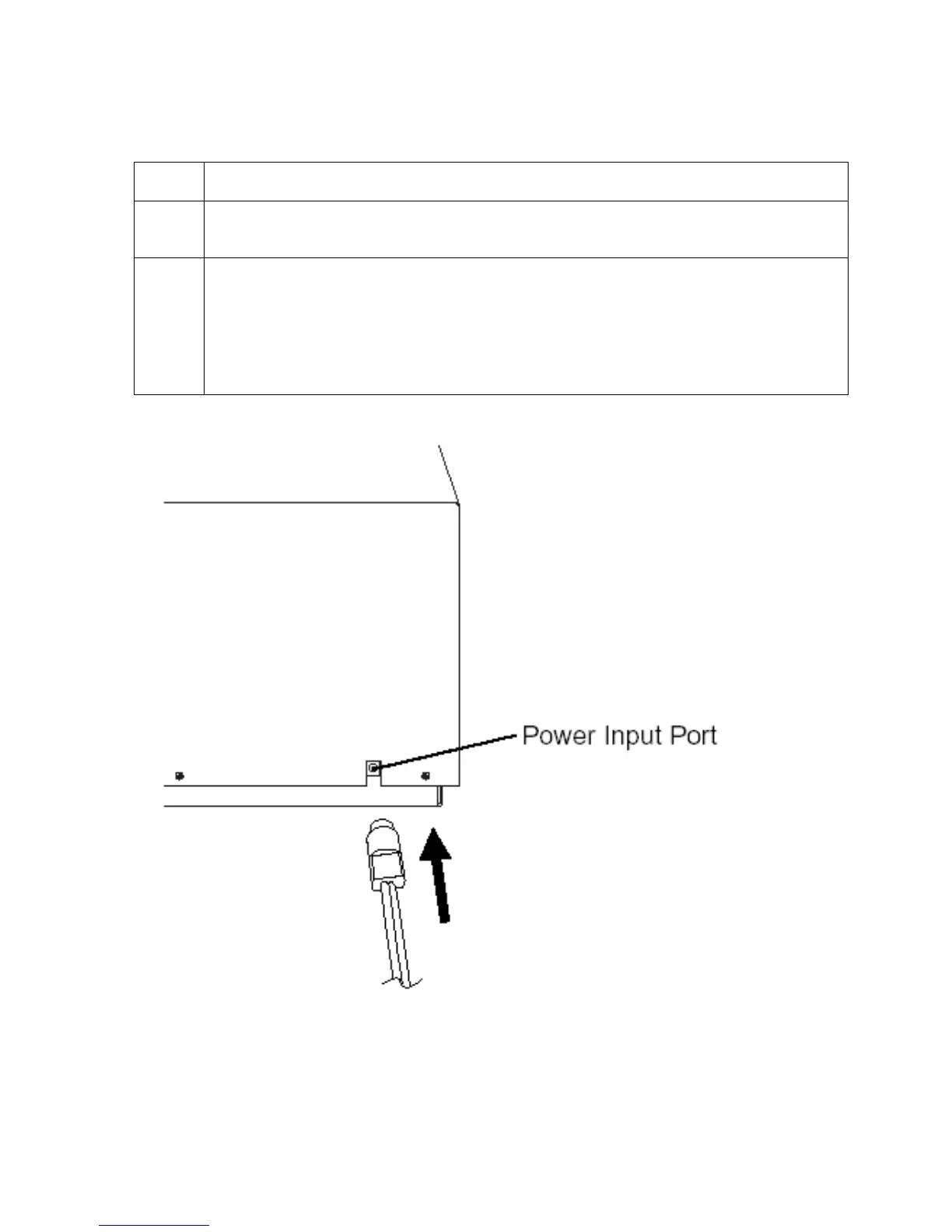
2 Place the DC power plug end of the power supply cord into the printer’s Power
Input Port.
3 Place the AC power plug end of the power supply cord into an available wall outlet.
Power is automatically applied to the printer when it is plugged in.
Press the On/Cancel button if you wish to turn the printer OFF.
If the printer will not be used for a long period of time, unplug the power supply
cord from the wall outlet.
Persona® C25 Card Printer User Guide (Rev. 4.0)
143












 To Next Page