RESTRICTED USE ONLY FARGO Electronics, Inc.
Connecting the Printer to your Computer (continued)
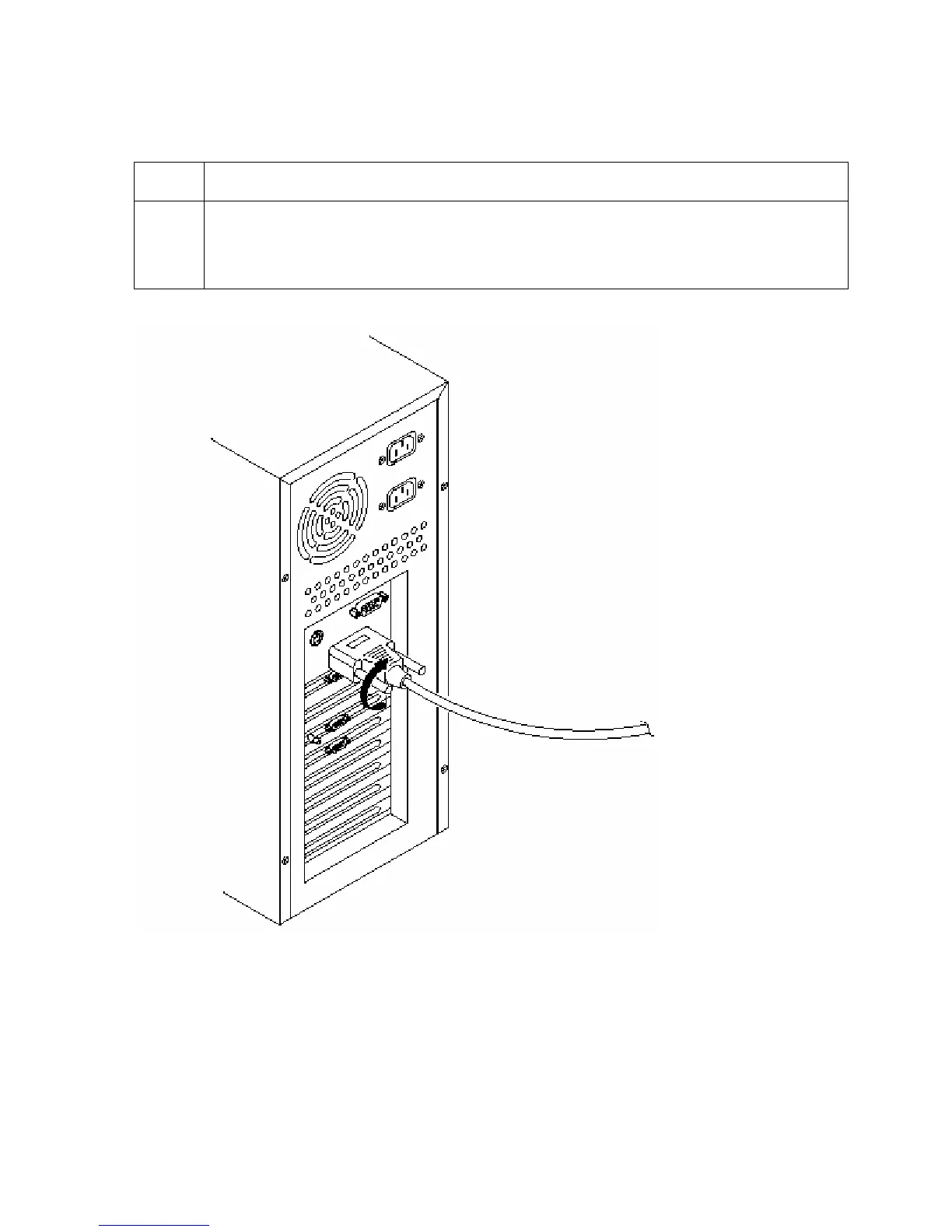
Step Procedure
2 Connect the other side to the back of your PC at the PARALLEL connector.
(Note: The printer must have its Ready LED light illuminated to receive data.)
If the light is not ON, press the Pause/Resume button.
Persona® C25 Card Printer User Guide (Rev. 4.0)
147












 To Next Page