RESTRICTED USE ONLY FARGO Electronics, Inc.
Resolving the Image Placement problem (continued)
Symptom: Printing is cut off or is not centered on the card, or a white border appears.
Step Procedure
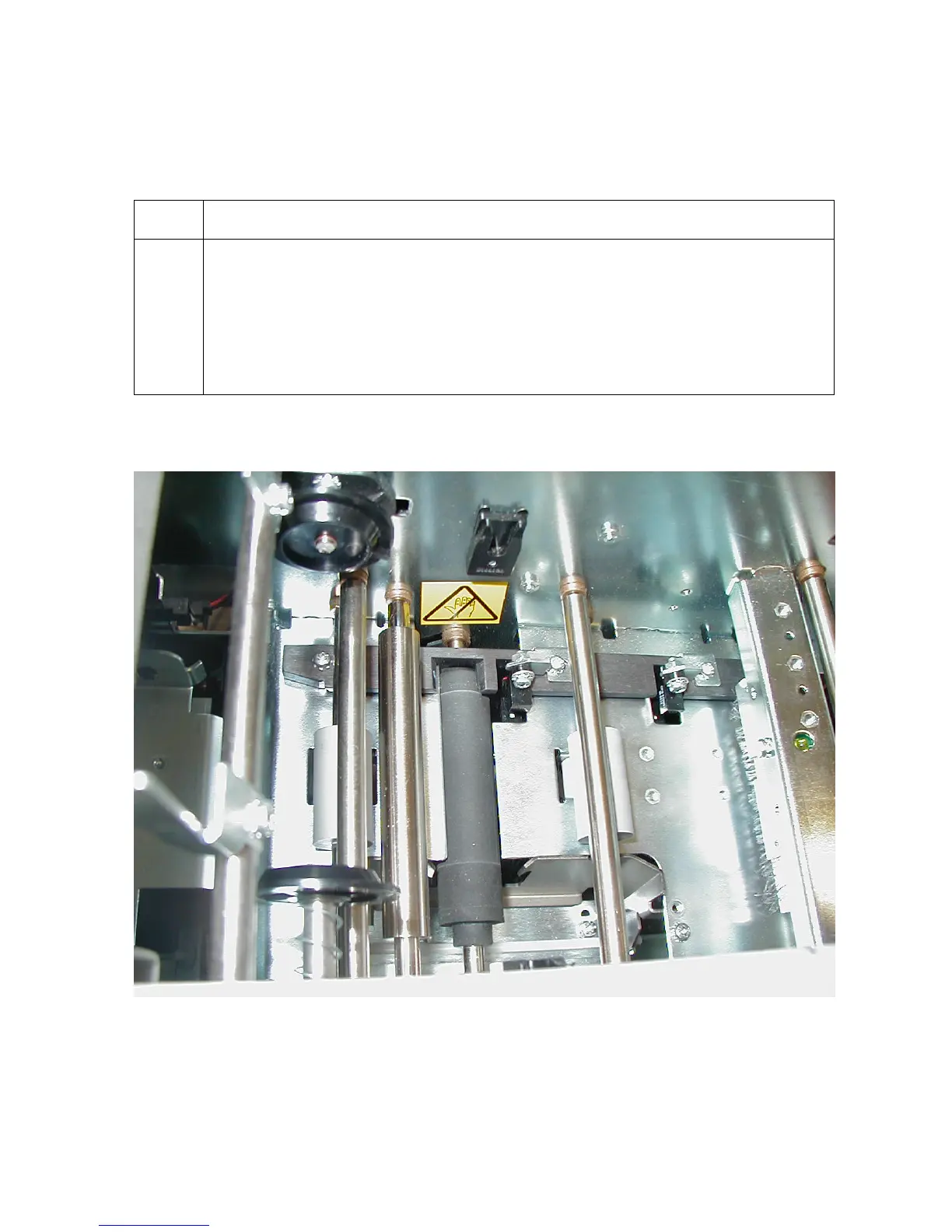
3 The Card Guide Bar may need to be adjusted.
a. Open the Top Print Cover.
b. Loosen the three screws that hold the Card Guide Bar in Place.
c. Carefully move the guide bar an equal distance on both sides.
d. Tighten the three screws that hold the guide bar in place.
Continued on the next page
Persona® C25 Card Printer User Guide (Rev. 4.0)
54












 To Next Page