RESTRICTED USE ONLY Fargo Electronics, Inc.
HDP5000 High Definition Card Printer/Encoder User Guide (Rev. 1.3)
11-13
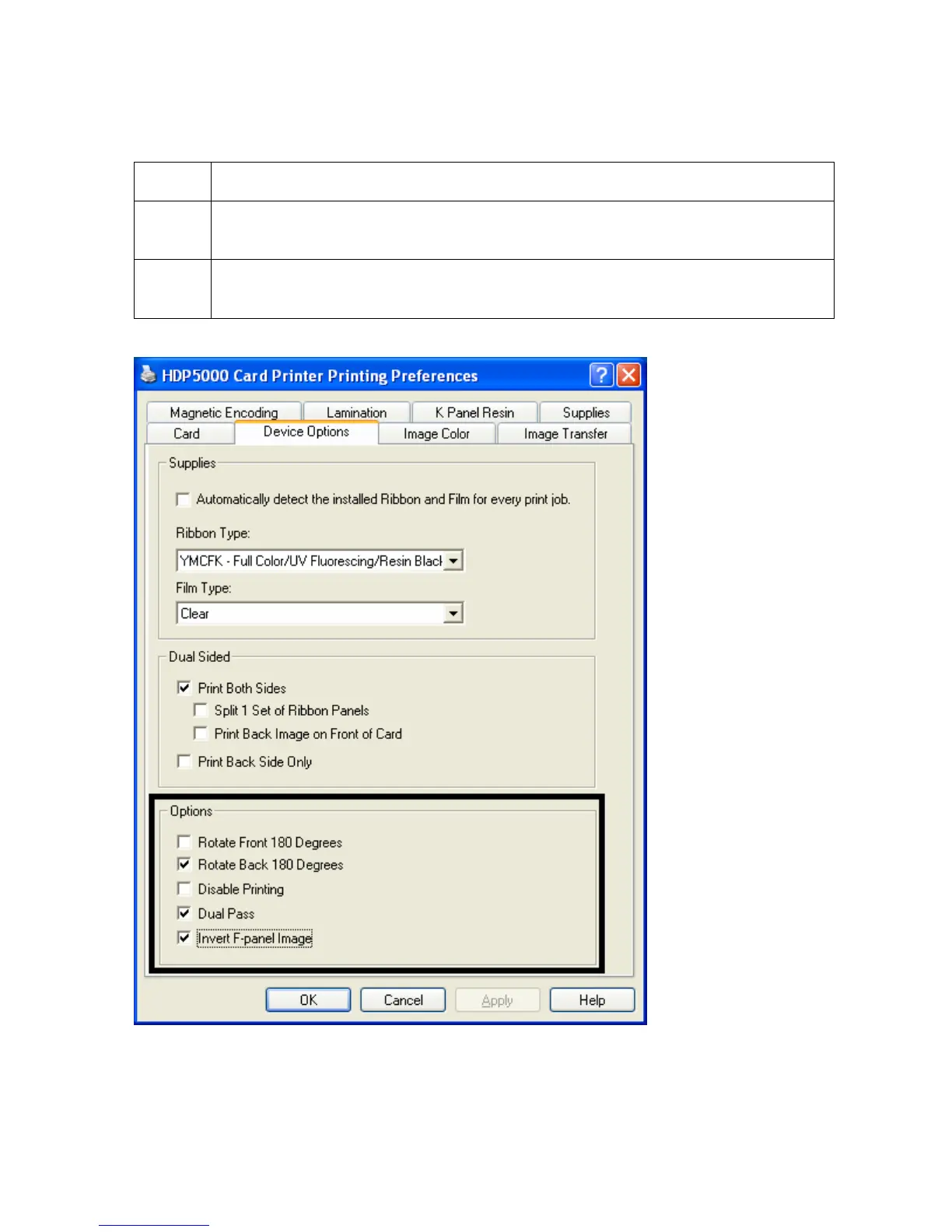
Configuring Data (F-Panel for YMCFK Ribbon)
Step Procedure
14 Check Dual Pass if both sides of the card will use the F-Panel option. (Note:
This option must be set up according to the above instructions for both sides.)
15 Check Invert F-Panel Image to create a negative image. (Note: This may
improve the look of the person’s image if used for the Logo.)



 To Next Page