RESTRICTED USE ONLY Fargo Electronics, Inc.
HDP5000 High Definition Card Printer/Encoder User Guide (Rev. 1.3)
13-3
Performing the Firmware Updates (continued)
Step Procedure
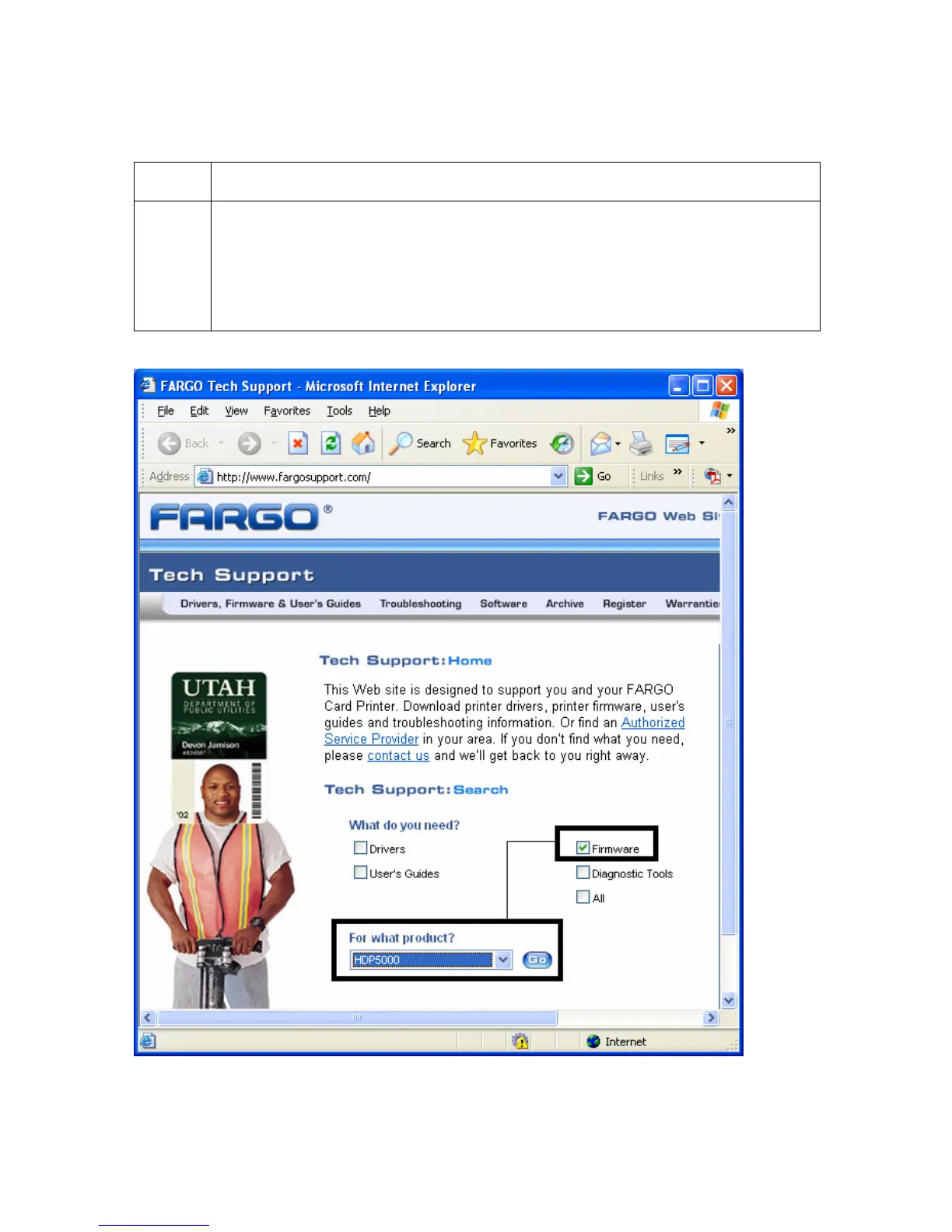
2 This will launch the Fargo Support page.
• Click on the Firmware selection box.
• Using the drop down menu, select the Printer.
• Click on the Go button, as shown below.



 To Next Page