Printing
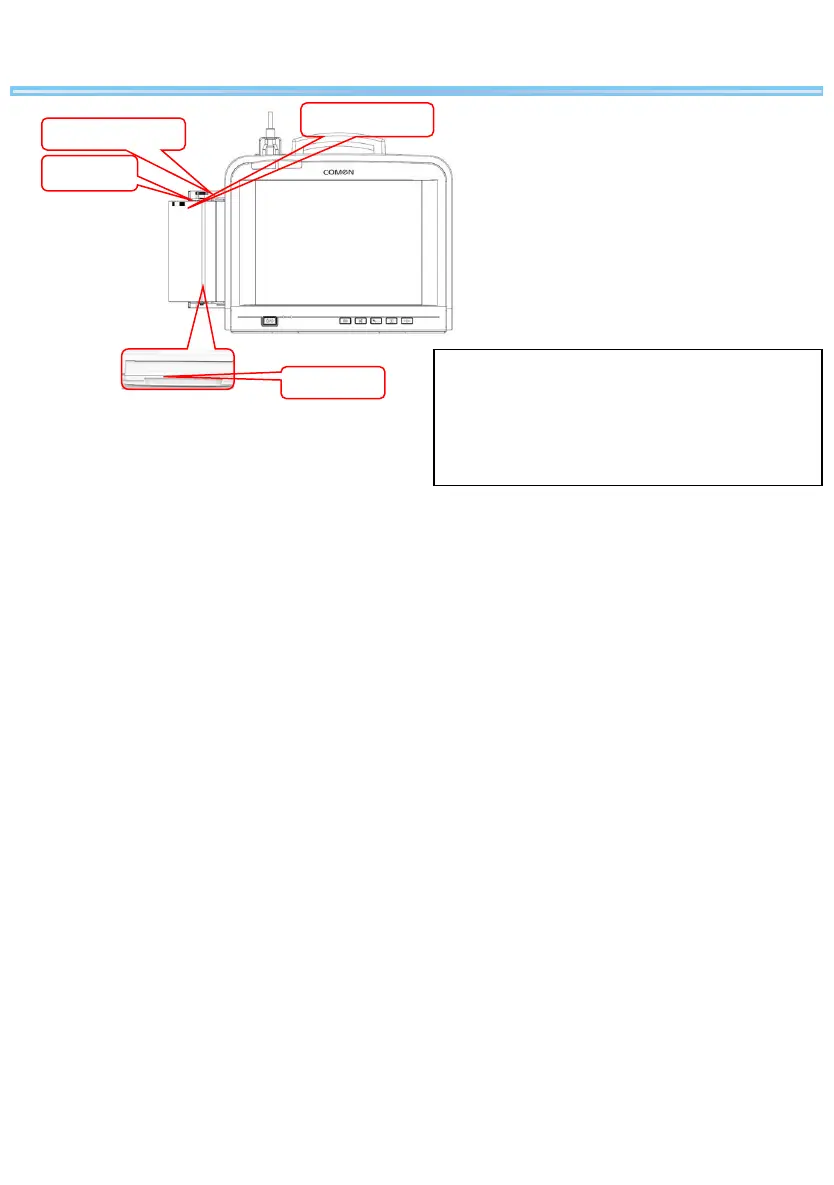
Recording paper
Paper tray
Black label
Recorder roller
1. Pull out the paper tray, see the figure above.
2. Put the recording paper into the paper tray with the
grid side facing up and the black label at the left.
3. Pull the recording paper slowly out of the recorder
tray, and then adjust the position of the recording
paper.
4. Push the paper tray in until it is locked.
Loading Recording
Paper


 To Next Page